Minecraft
Jay's Cobblemon Install
Guide for how to install this modpack cuz ik u r dumbases
1. Install Prism Launcher
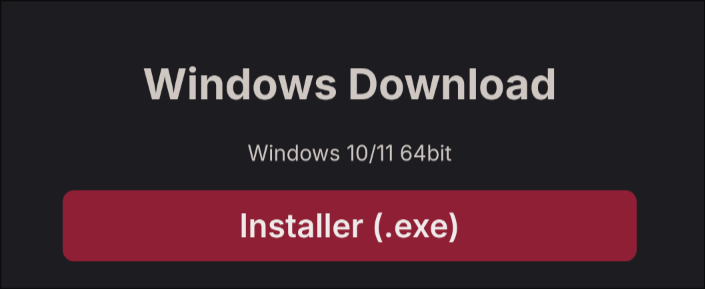
Go to this website and click the Installer.exe

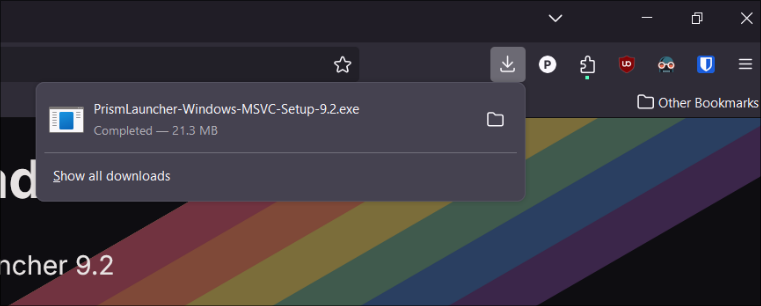
2. Open the downloaded file by clicking it

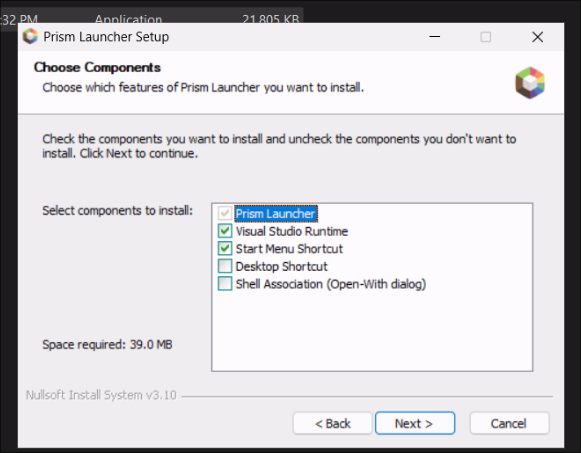
3. Just click Next through all of these

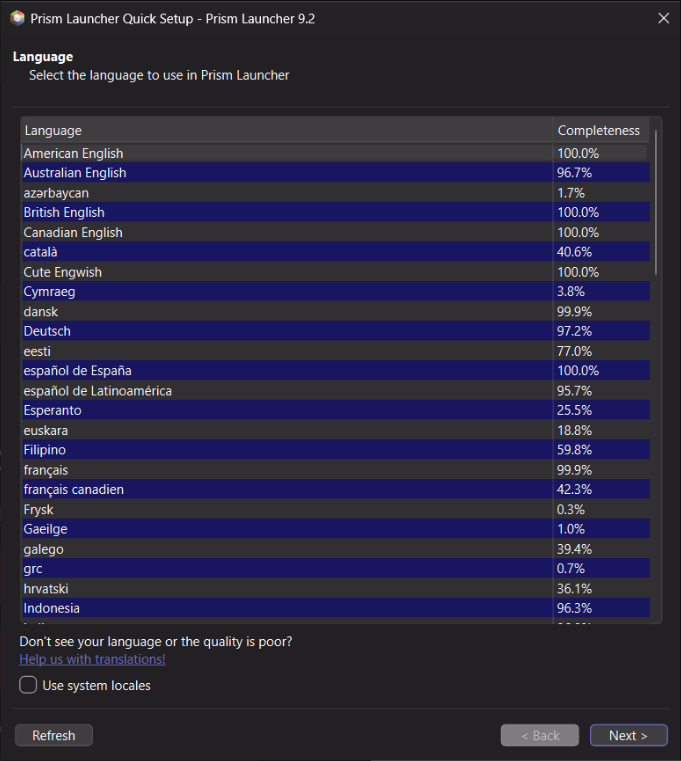
4. American Englis!

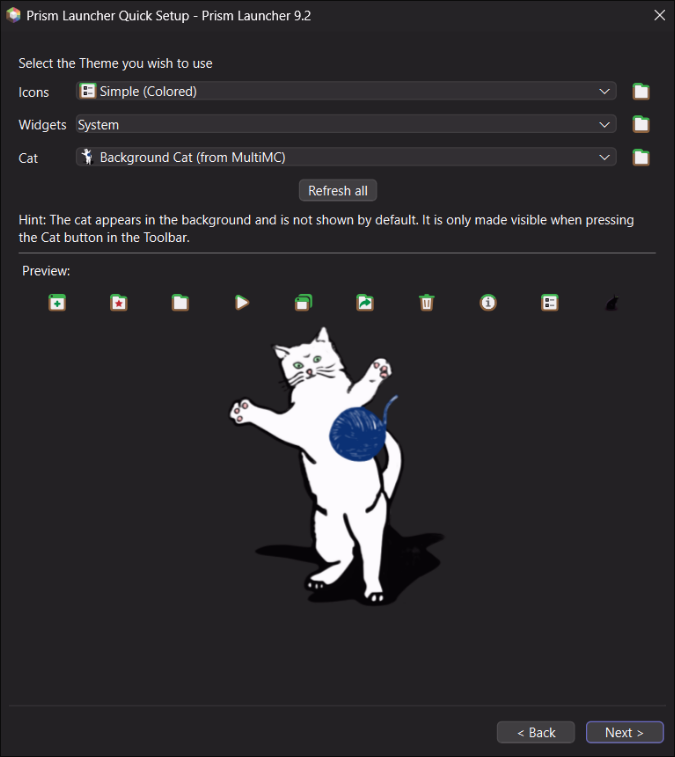
5. You better keep the cat! Hit next!

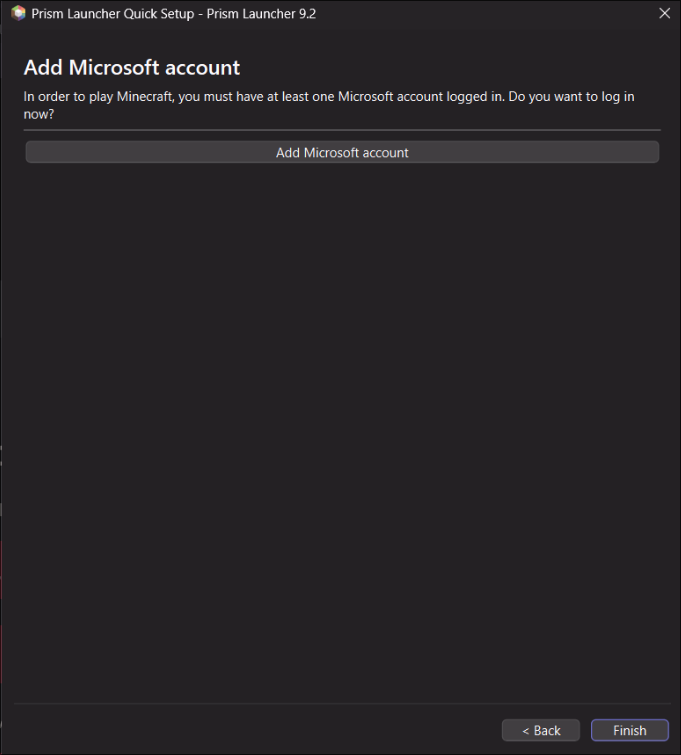
6. Add your minecraft account. Same as your microsoft account.

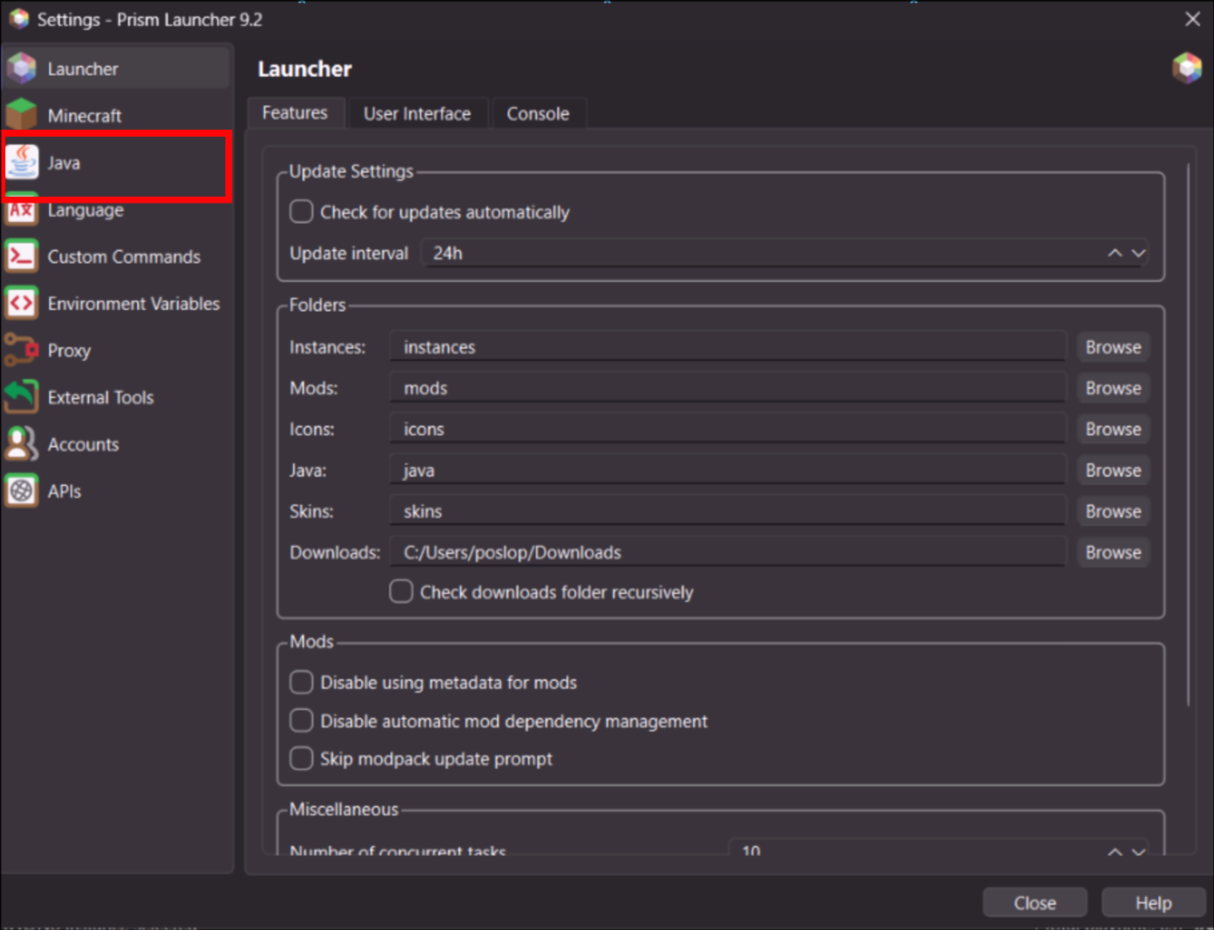
7. Click settings in the top middle

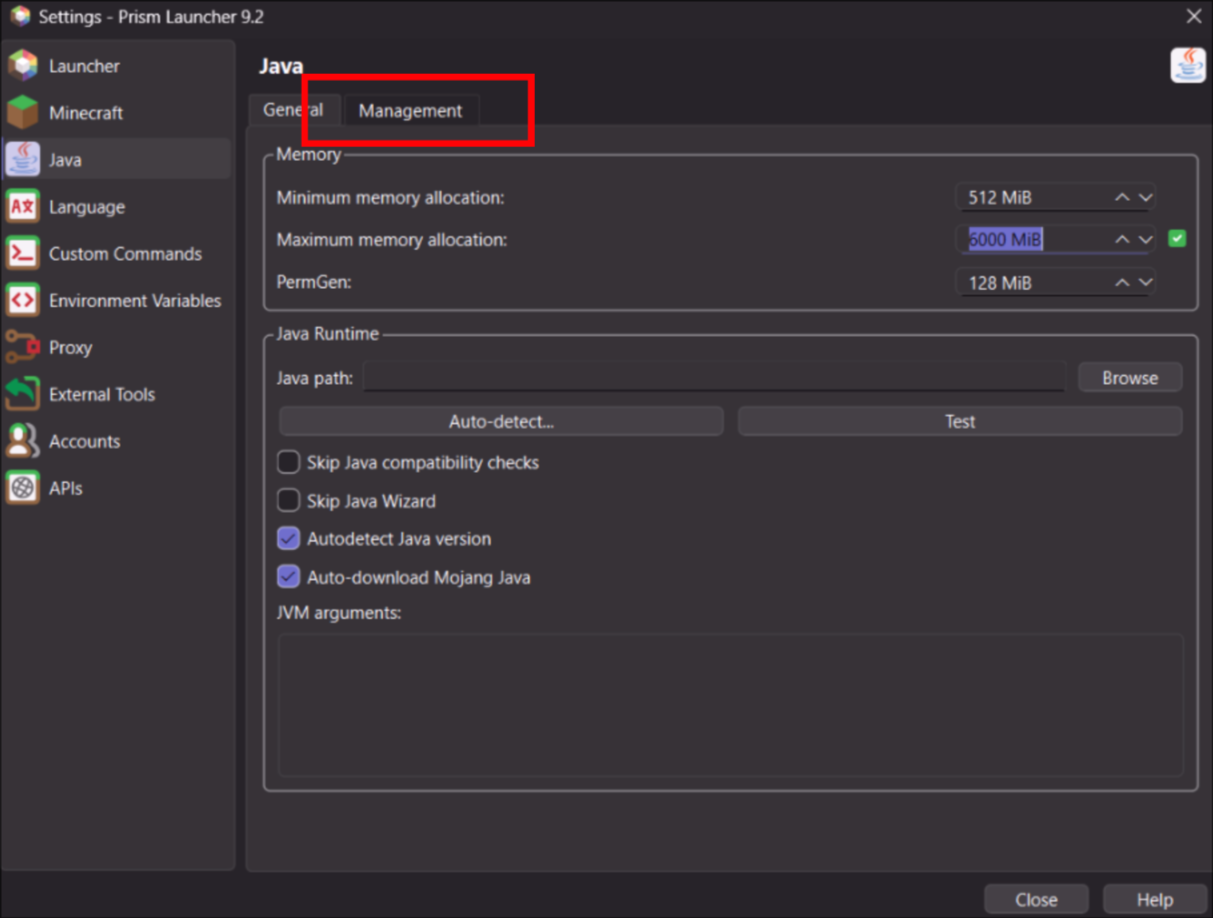
8. Click Java

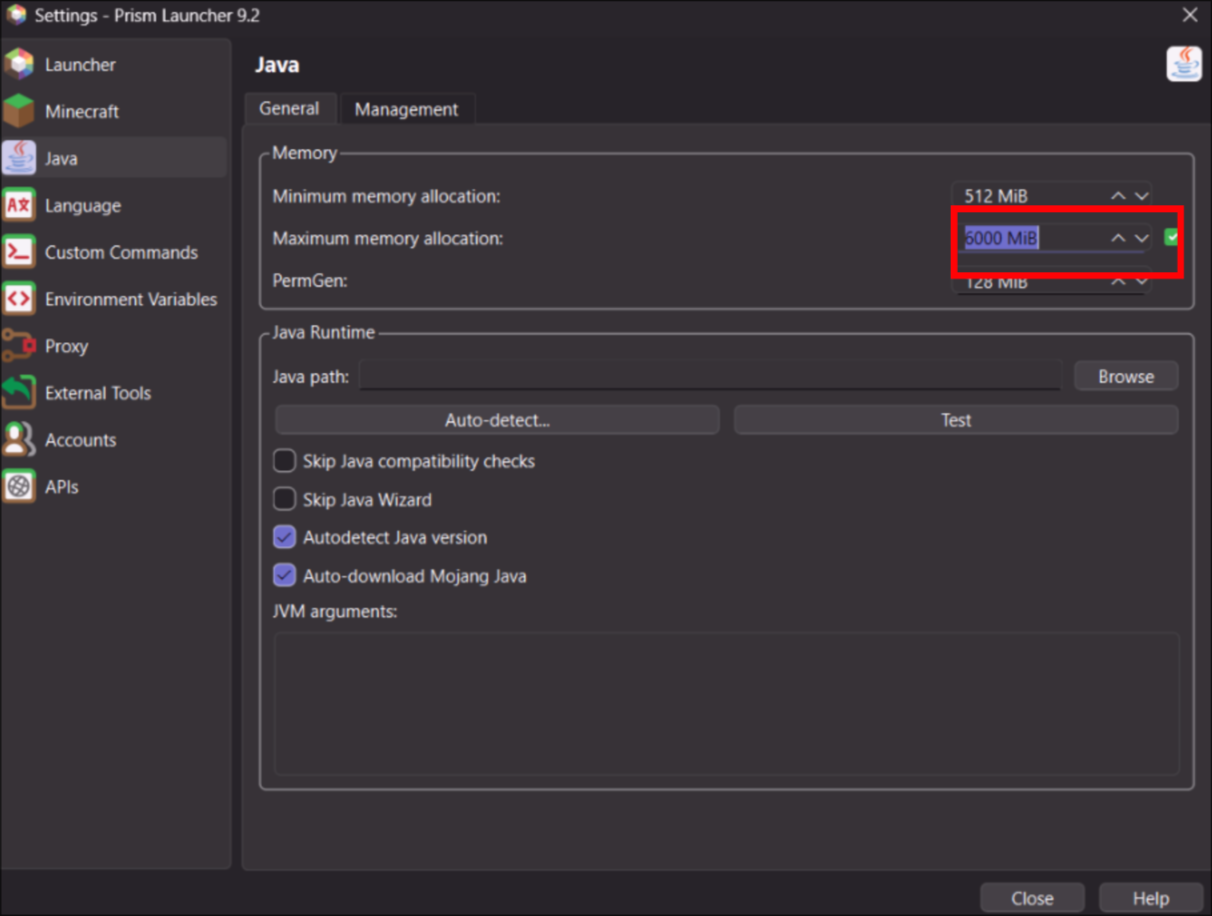
8. Set memory to AT LEAST 6000. Set it to 8000 or 10000 if you have more 16 GB of RAM

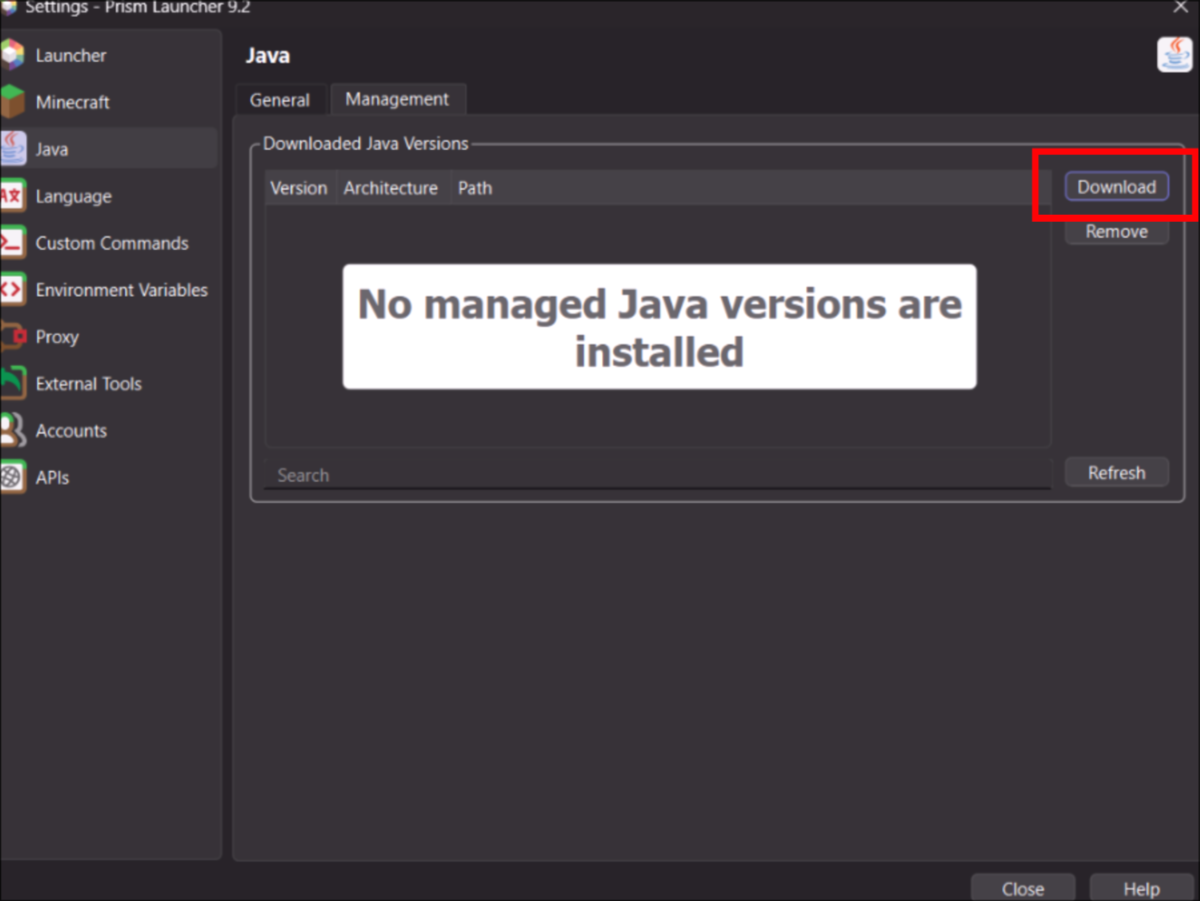
9. Now go to Management tab

10. Click Download

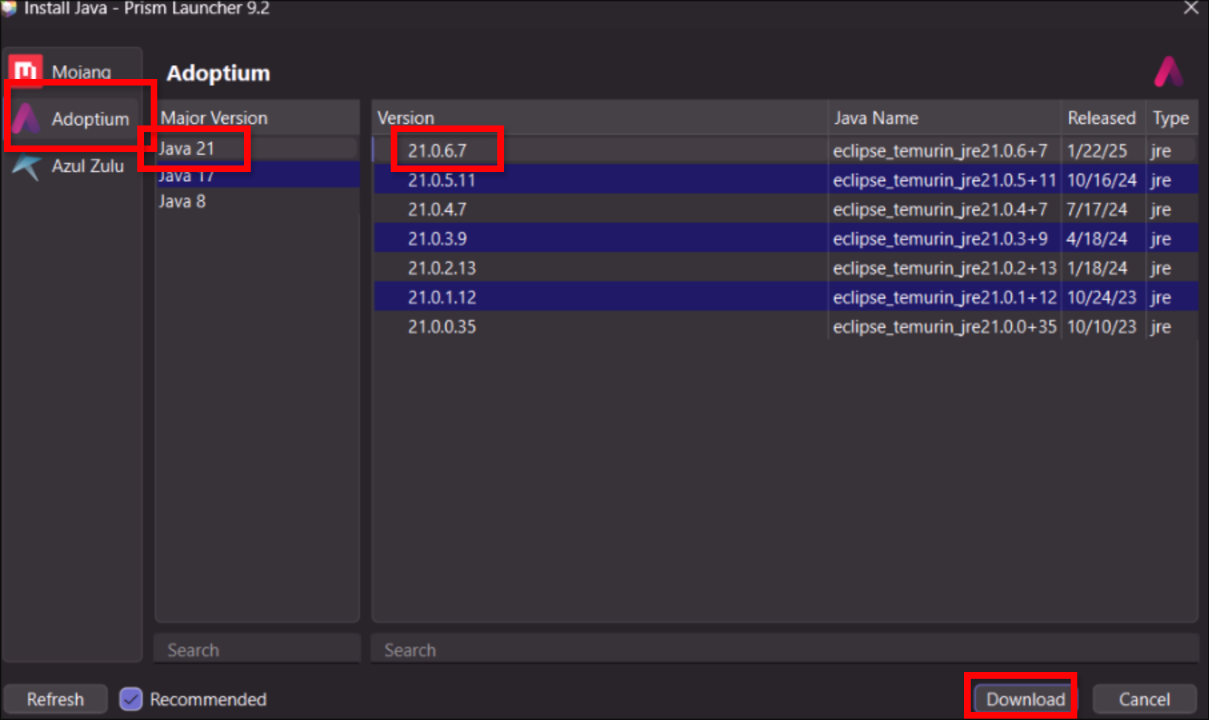
11. Choose Adoptium on the Left Java 21 and the top Version. Then Download

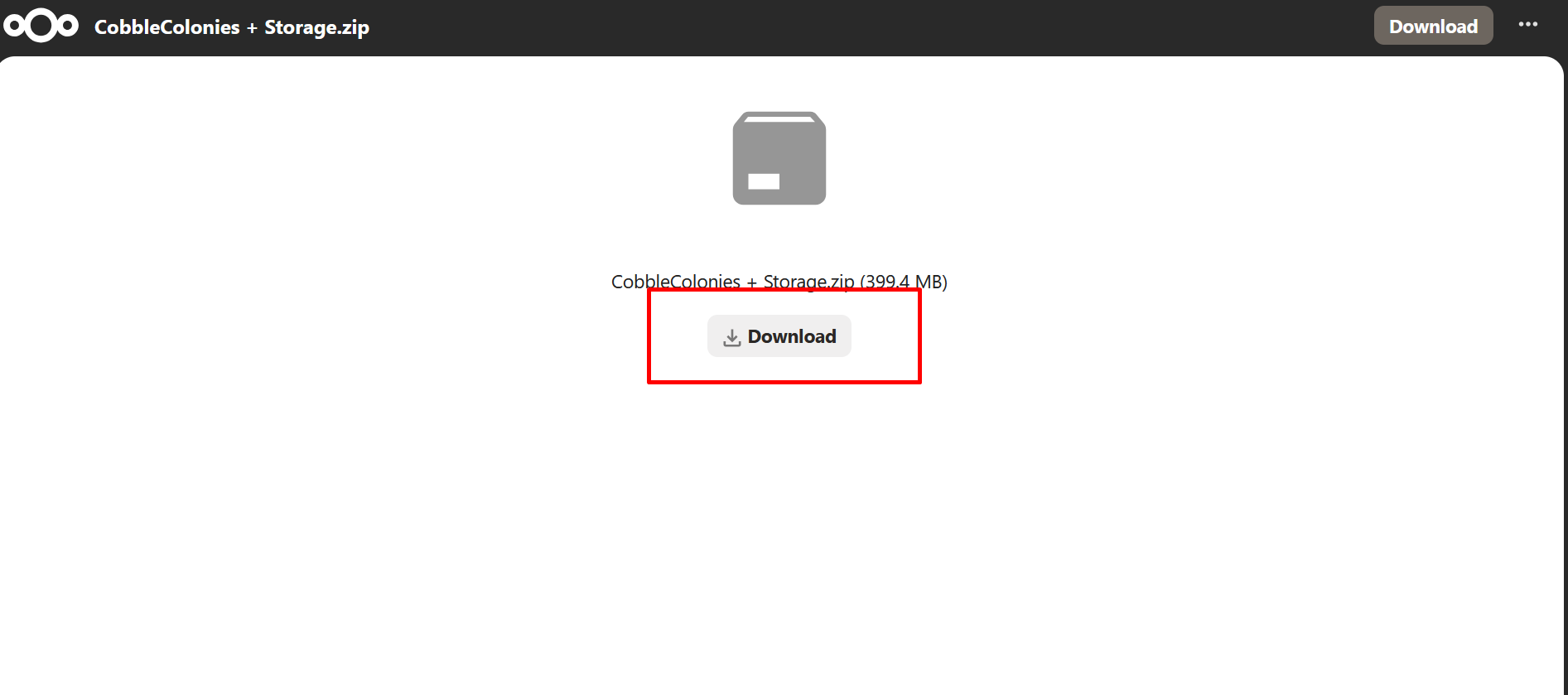
12. Download the modpack from this link

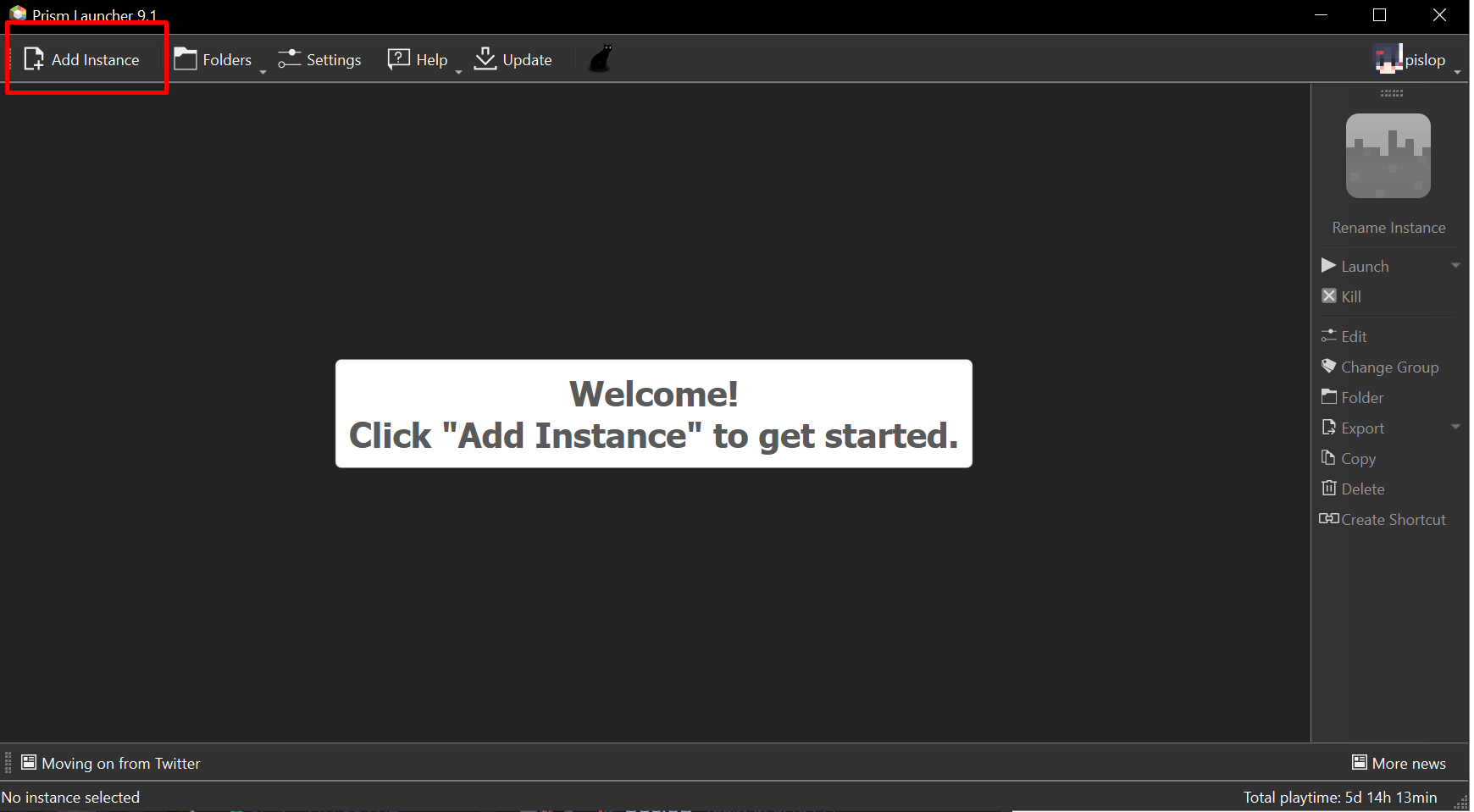
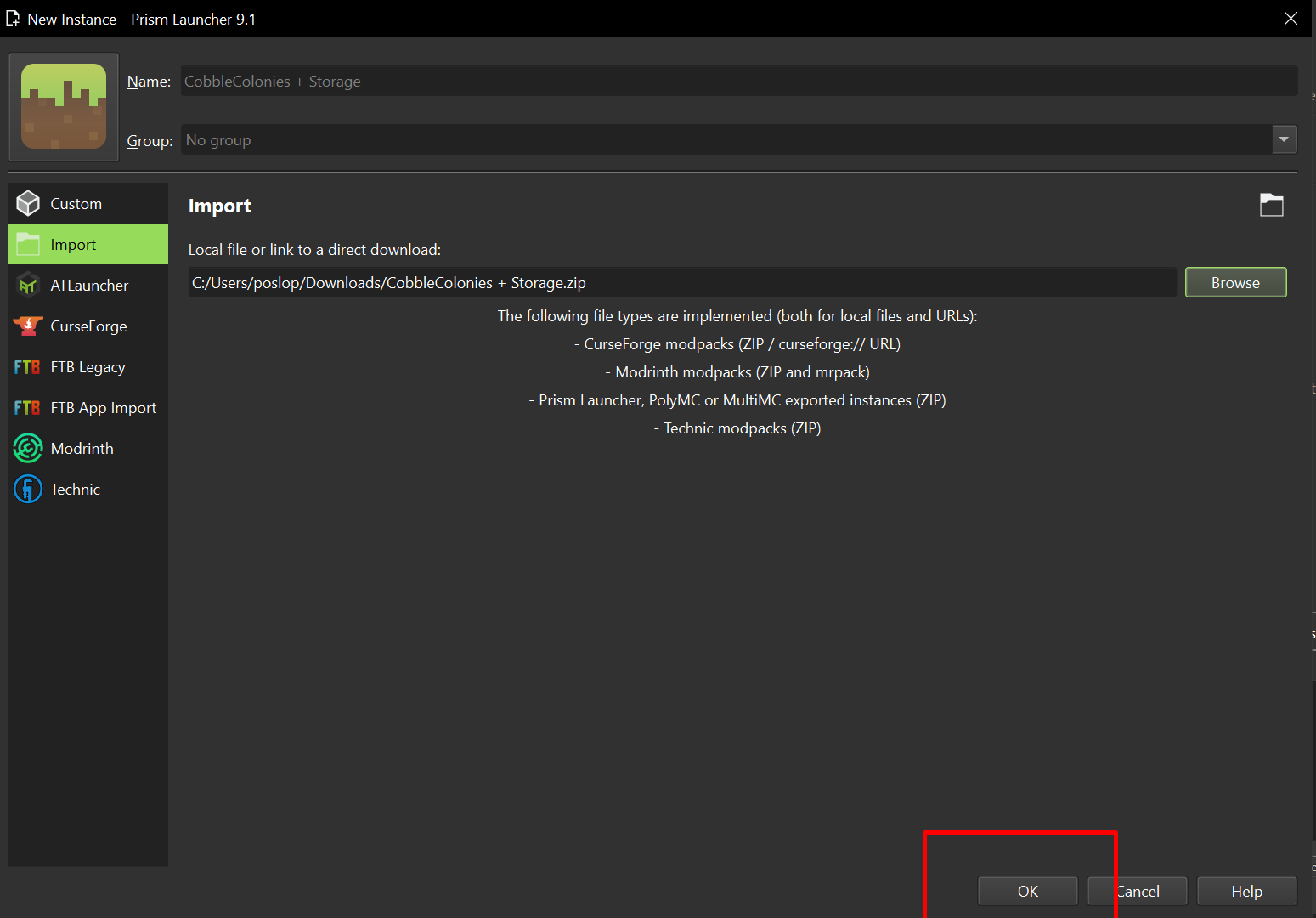
13. Click Add Instance

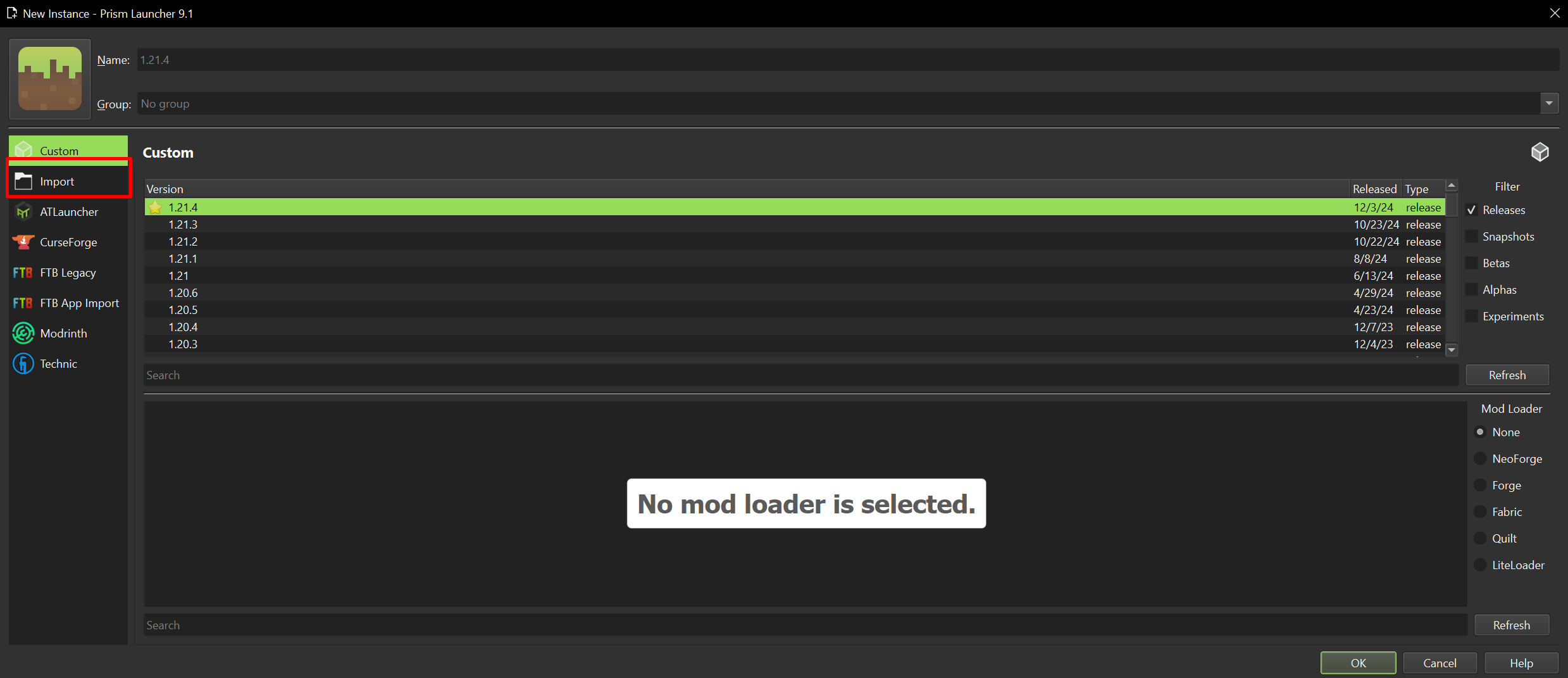
14. Click Import

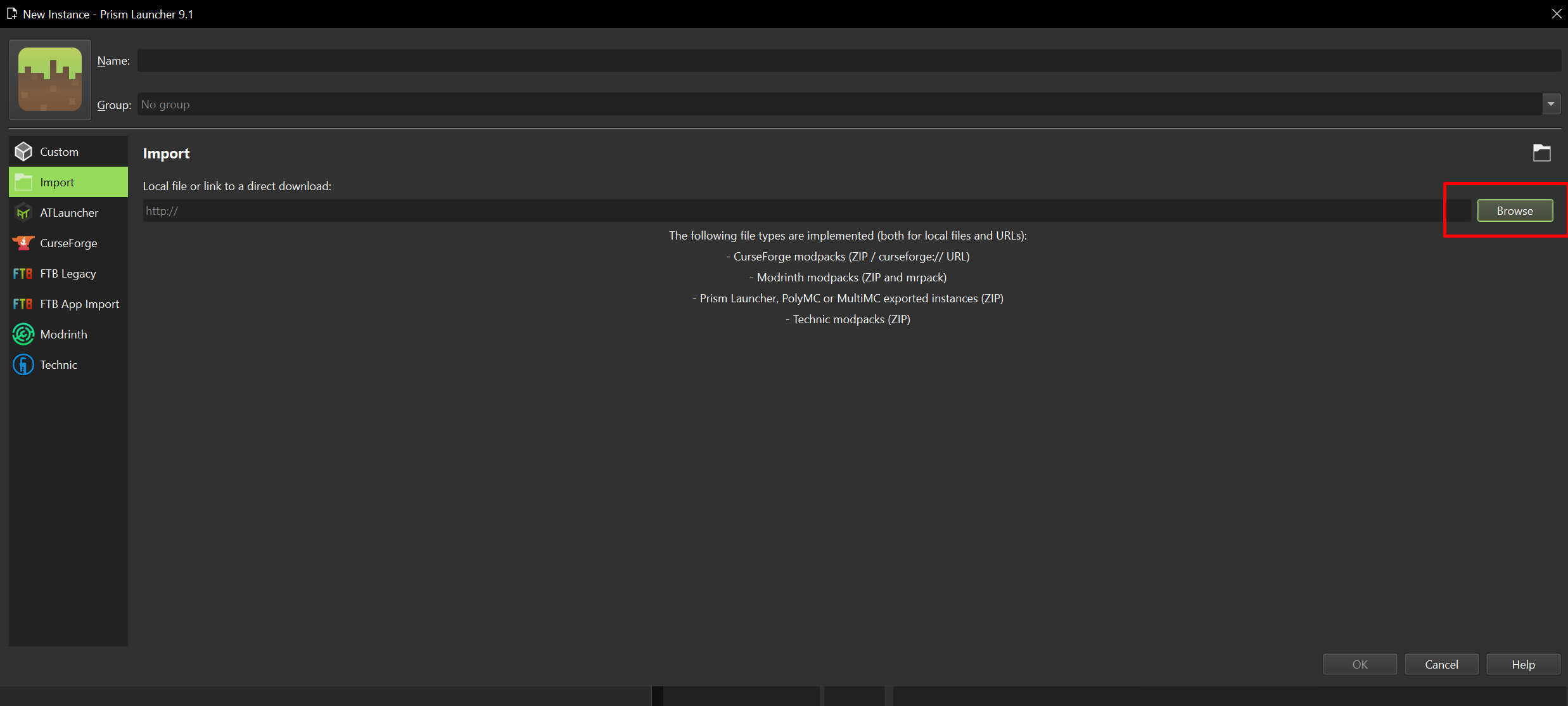
15. Click Browse

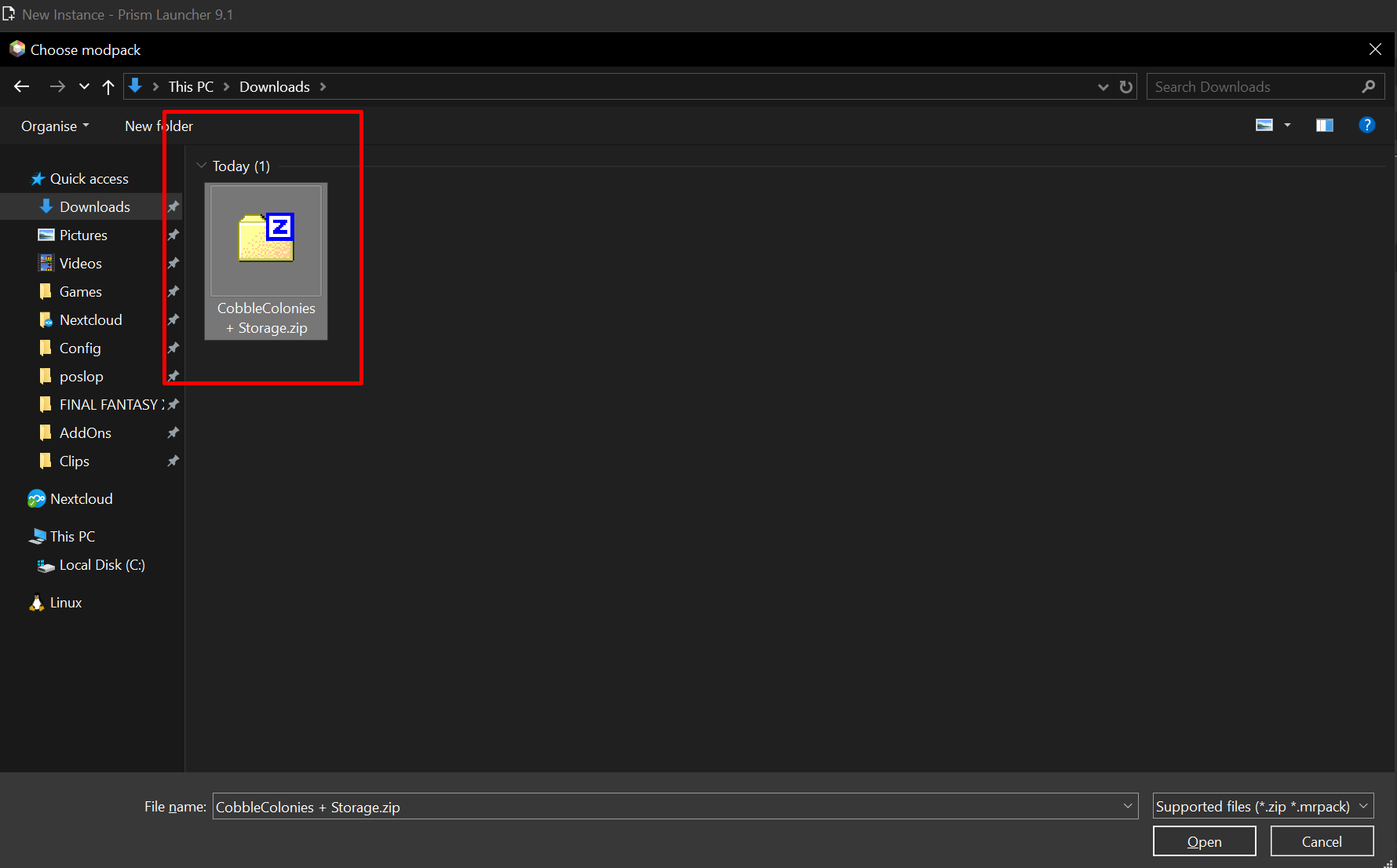
16. Choose the Zip file you downloaded

17. Click Ok

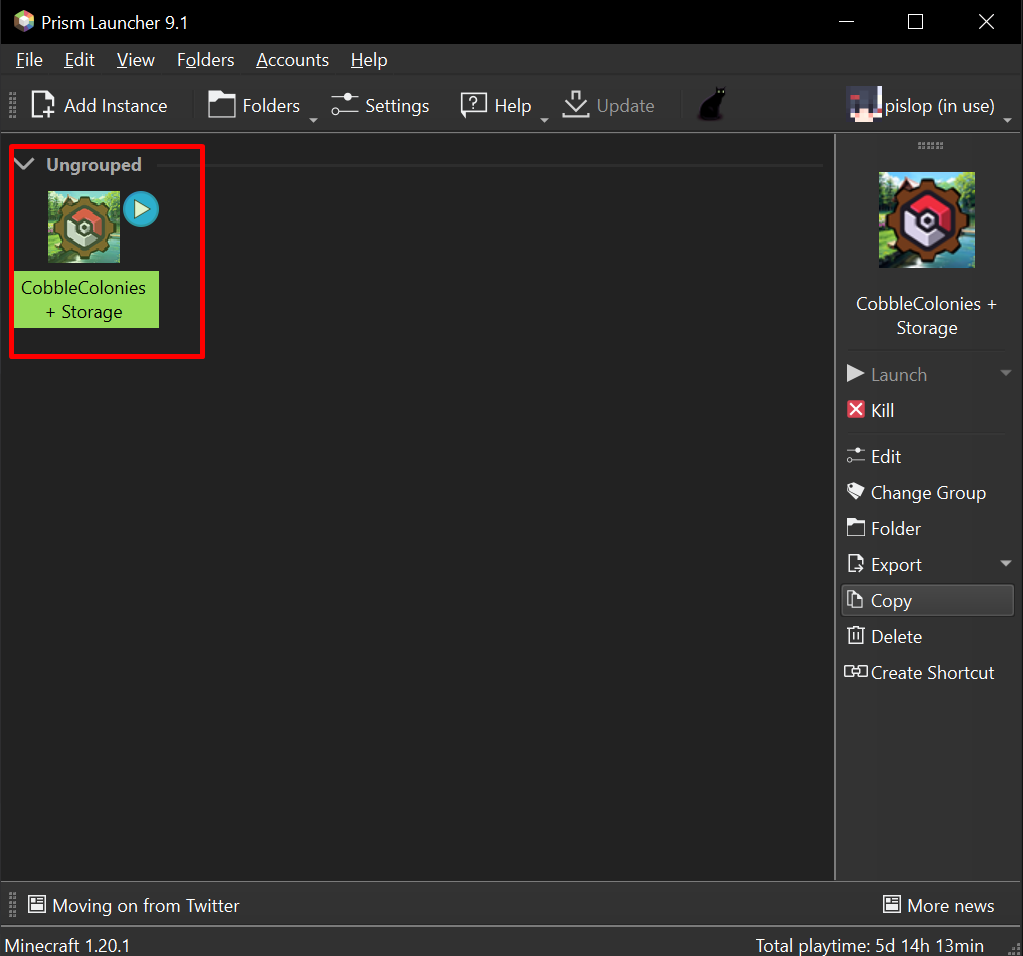
18. Double click the Modpack

YOUR DONE GO AWAY SERVER IS IN THE MULTIPLAYER LIST
Save Settings
Save your settings when updating
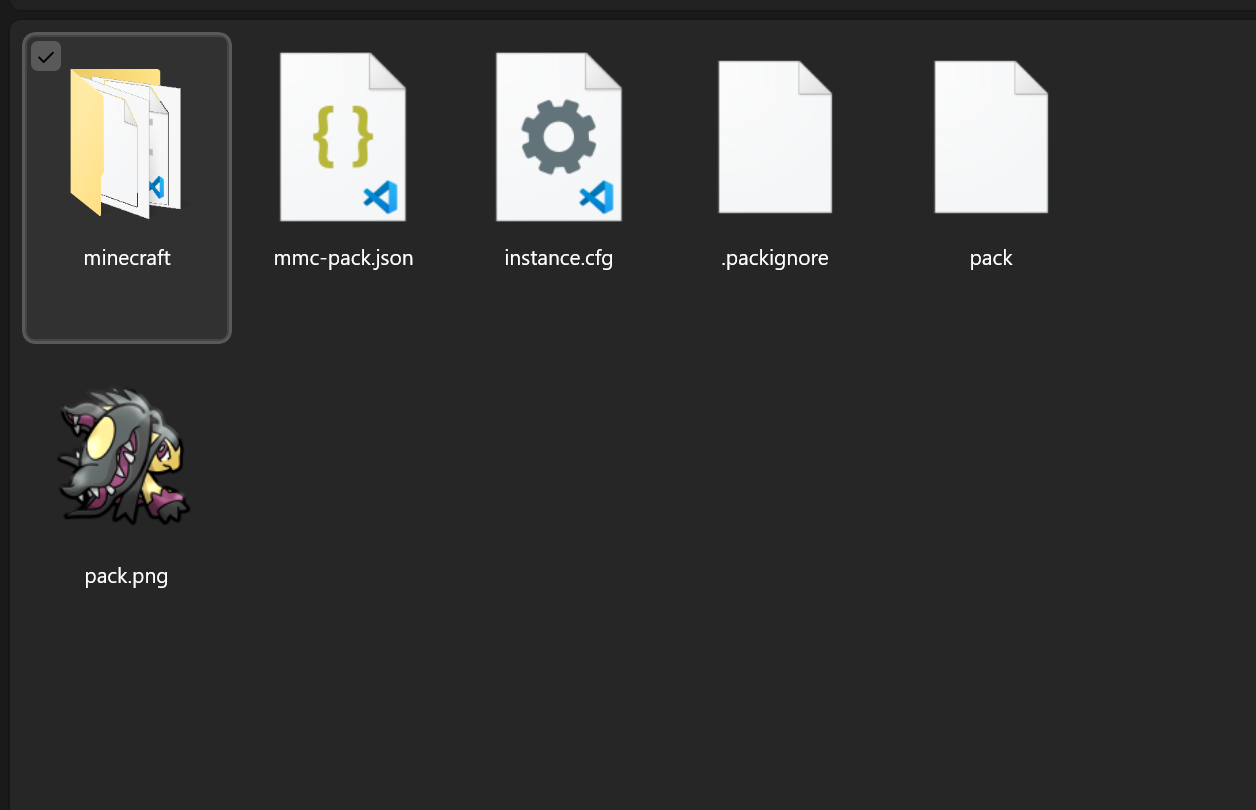
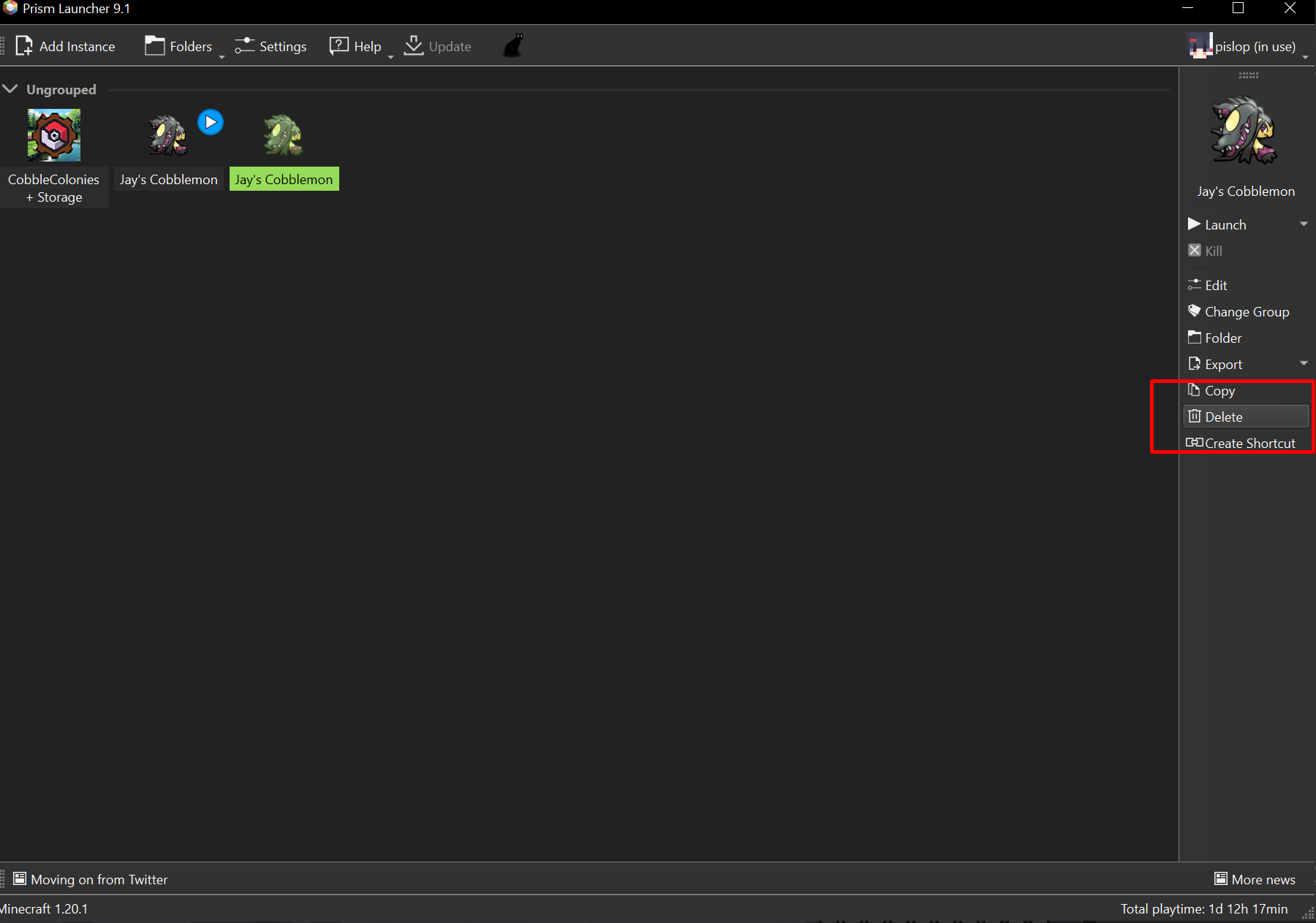
1. Right click the pack and choose Folder

2. Open the Minecraft folder

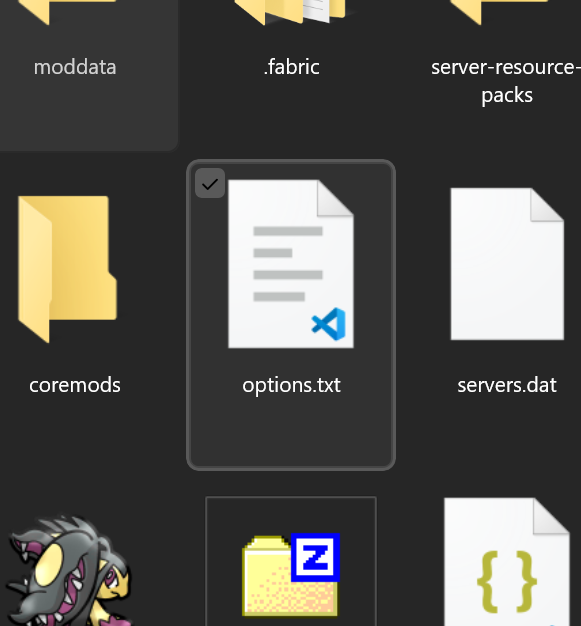
3. Find the options.txt file

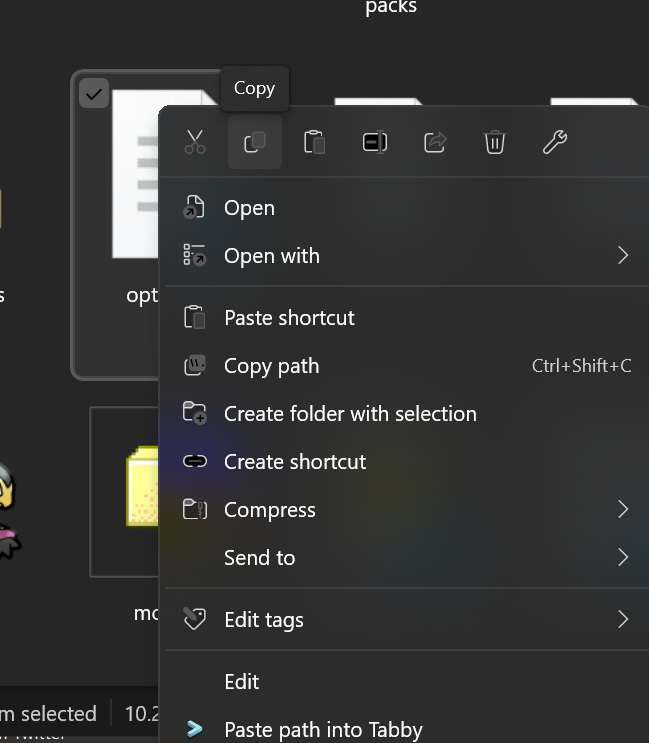
4. Select and copy it

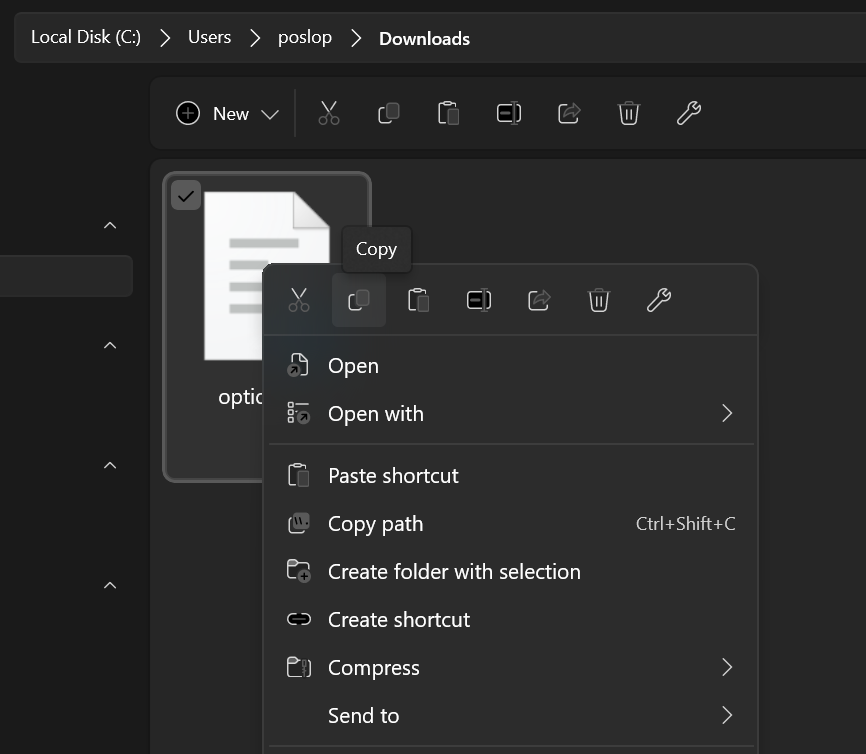
5. Paste it in your Downloads and then Copy it again

6. Delete your old instance and install the new one

7. Open the instance folder
8. Open the Minecraft folder
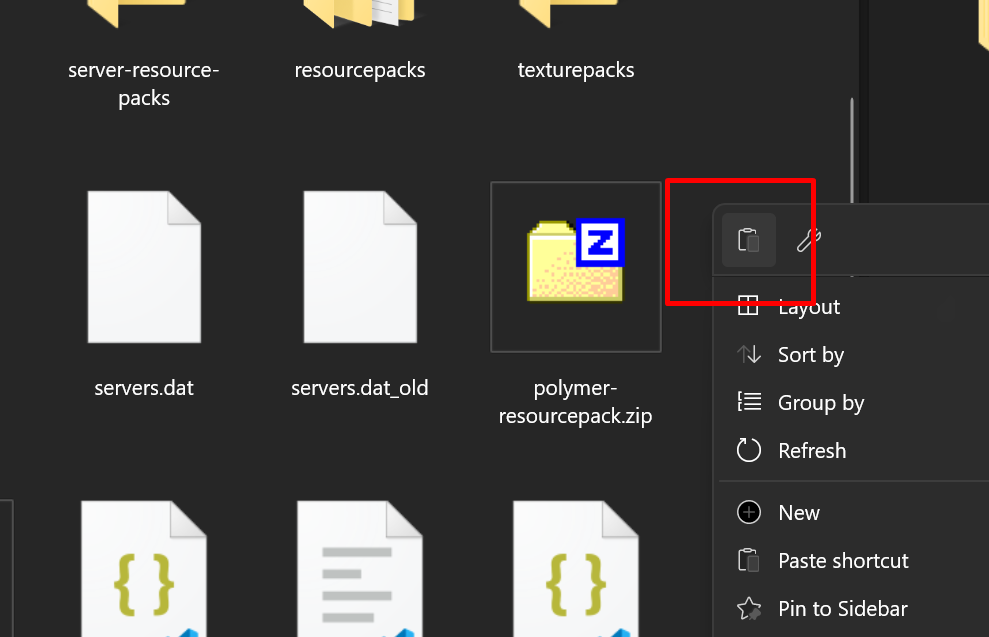
9. Paste the options.txt into the minecraft folder