Save Settings
Save your settings when updating
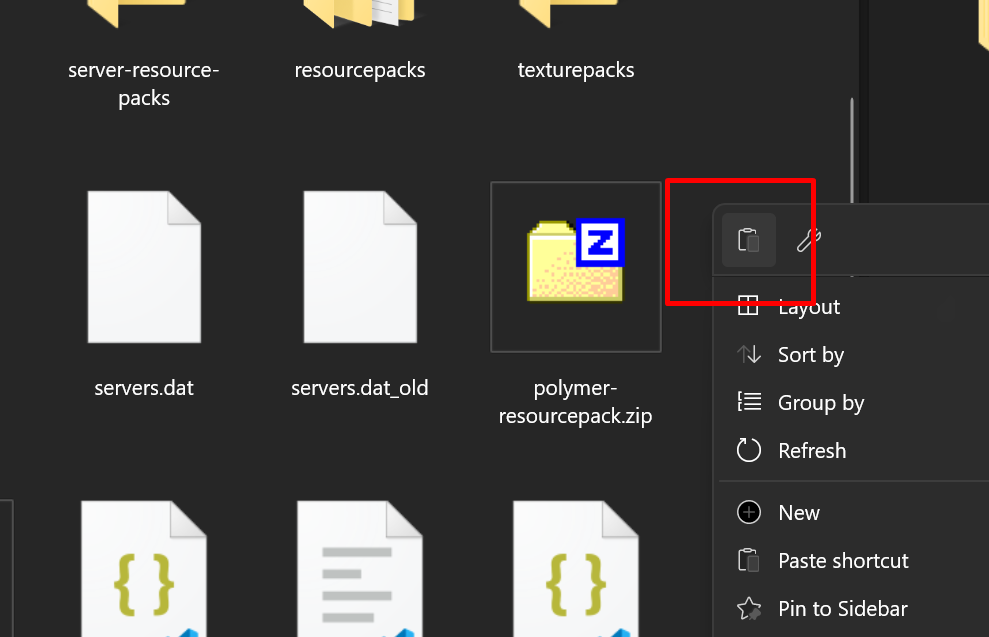
1. Right click the pack and choose Folder

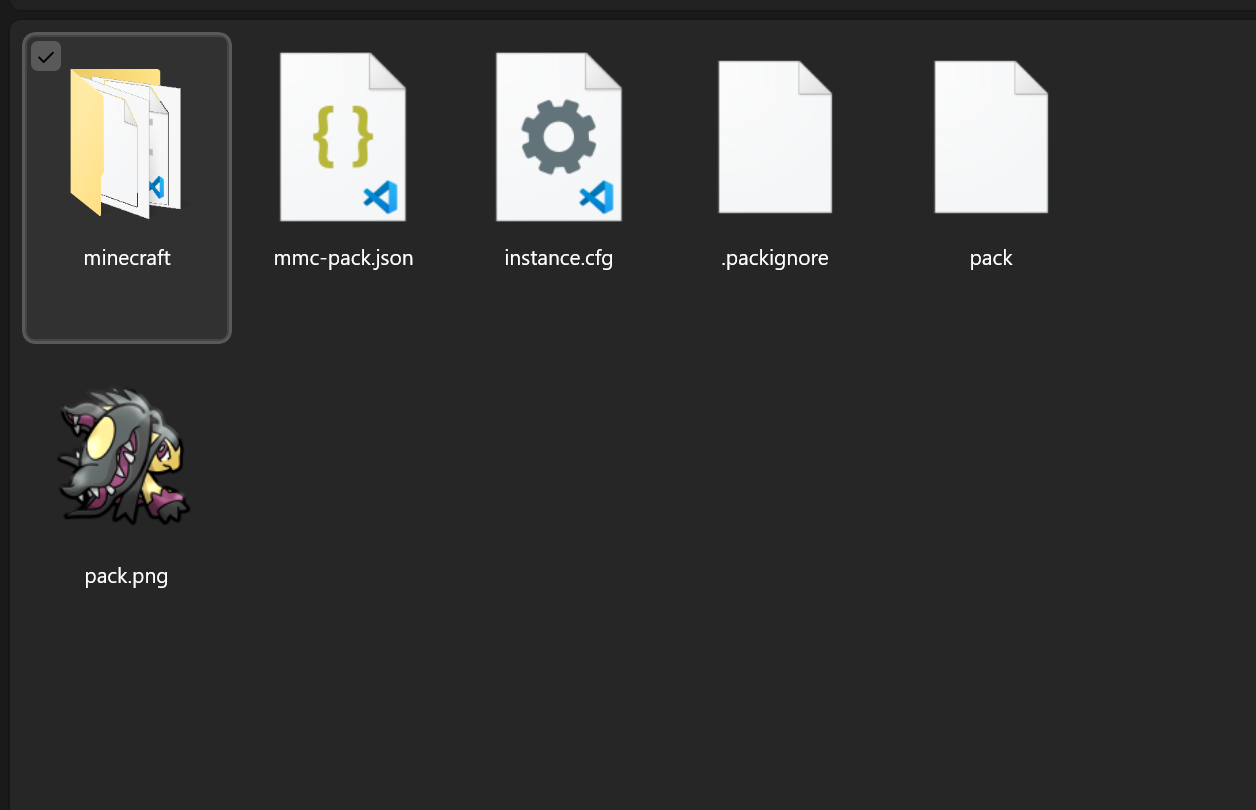
2. Open the Minecraft folder
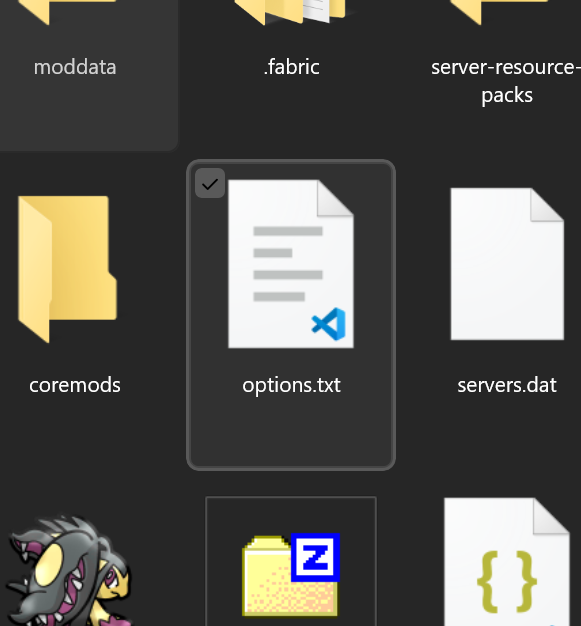
3. Find the options.txt file
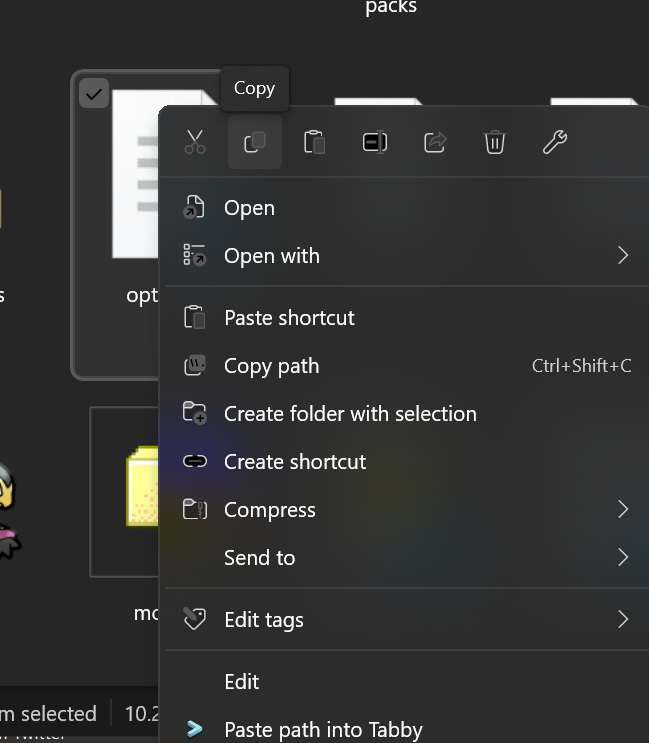
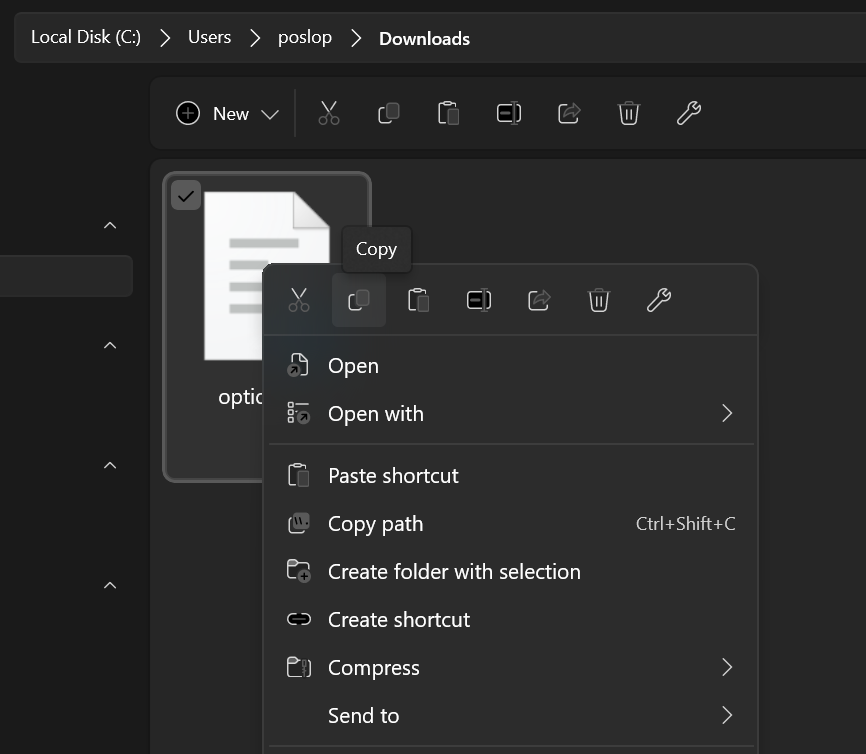
4. Select and copy it
5. Paste it in your Downloads and then Copy it again
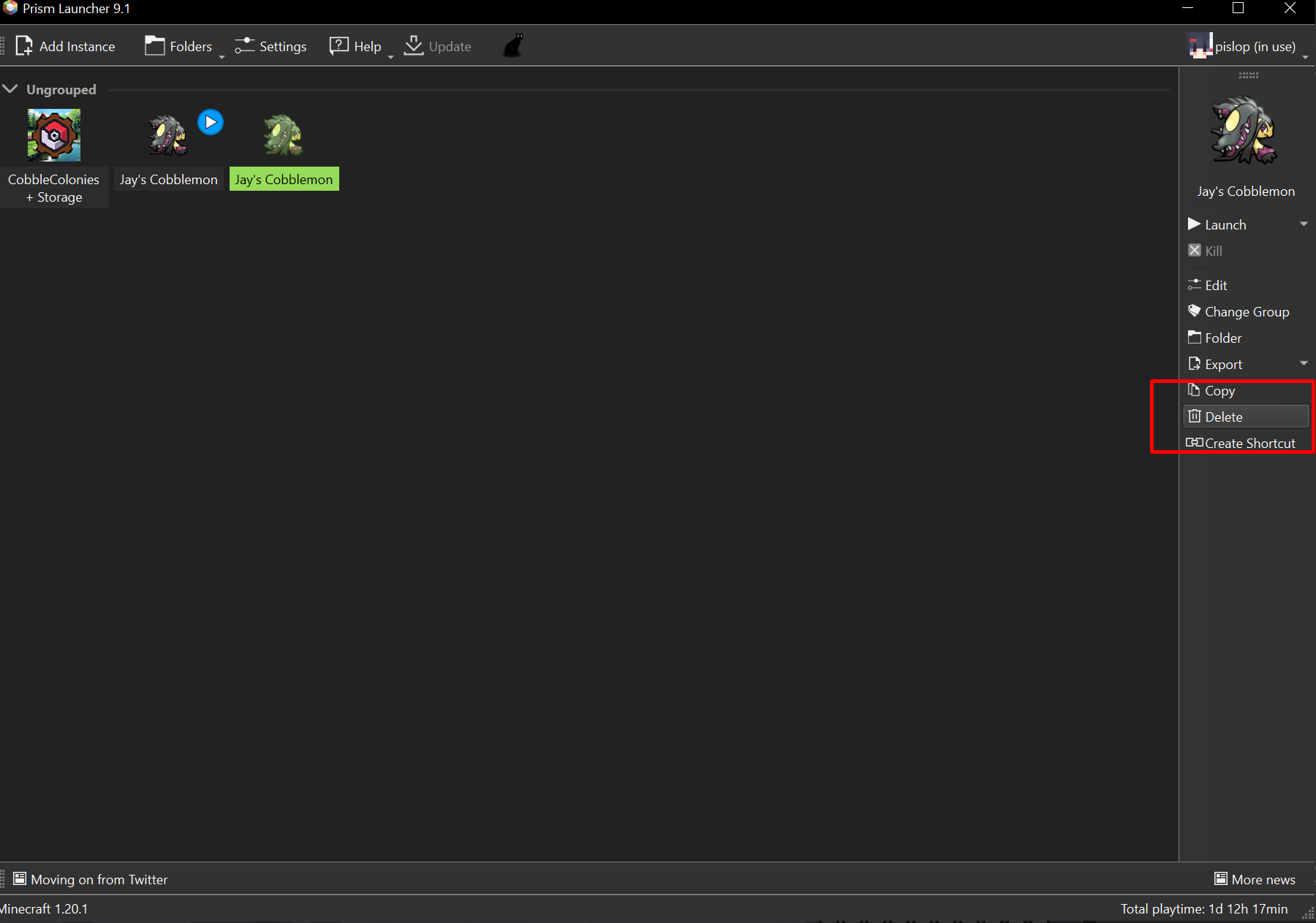
6. Delete your old instance and install the new one
7. Open the instance folder
8. Open the Minecraft folder
9. Paste the options.txt into the minecraft folder