Skip to main content
CobbleColonies Install
Guide for how to install this modpack cuz ik u r dumbases
1. Install Prism Launcher
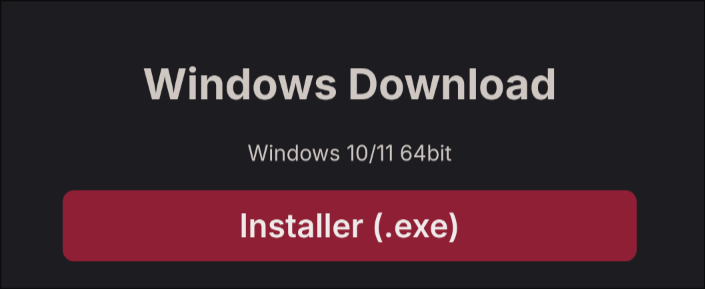
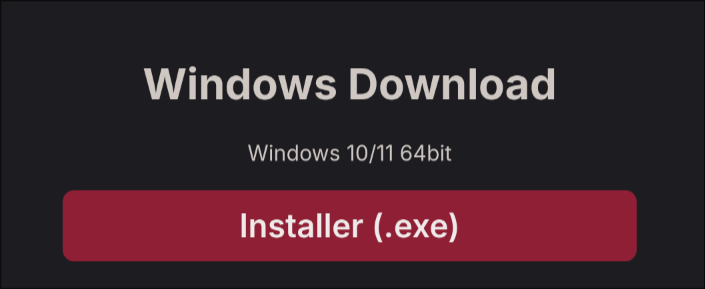
Go to this website and click the Installer.exe
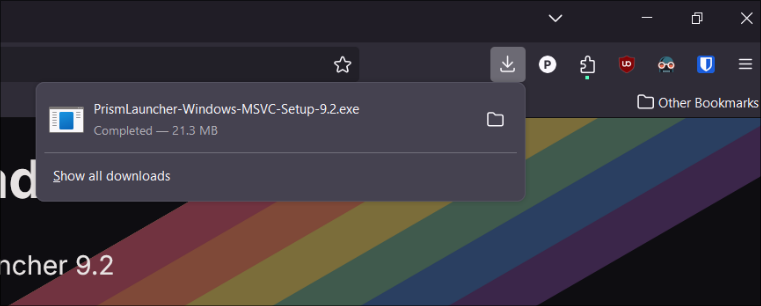
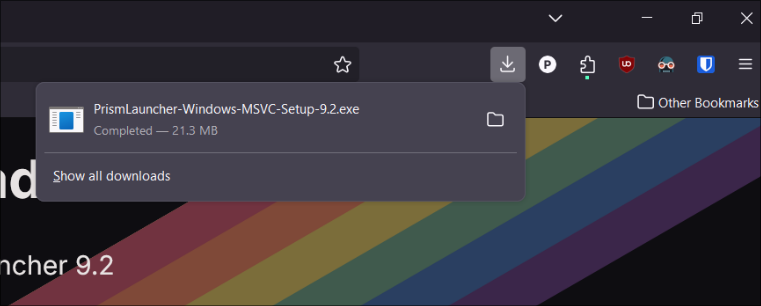
2. Open the downloaded file by clicking it
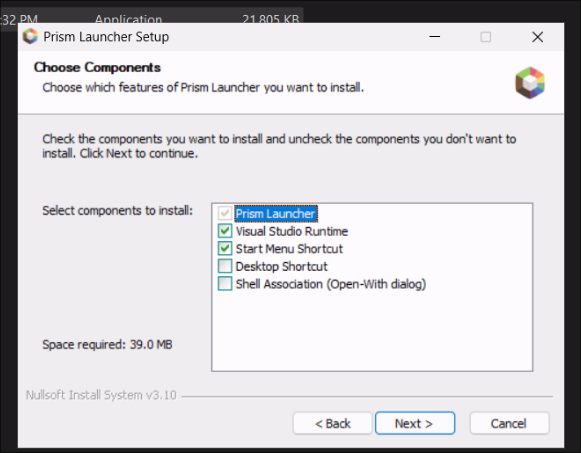
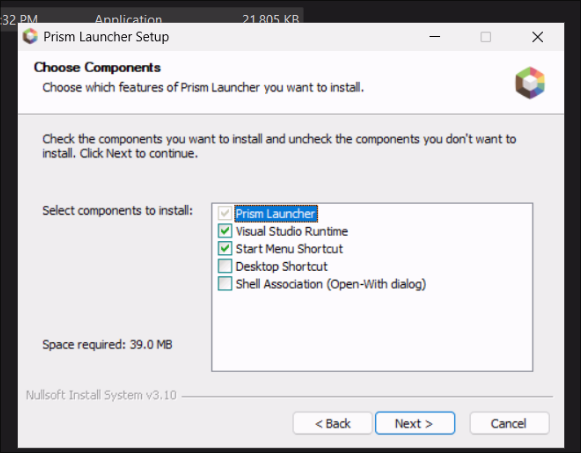
3. Just click Next through all of these
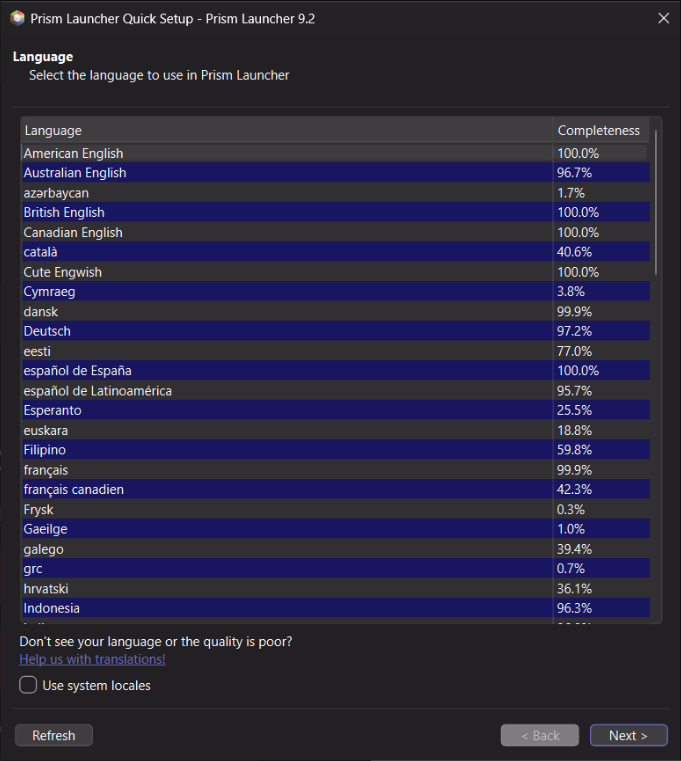
4. American Englis!
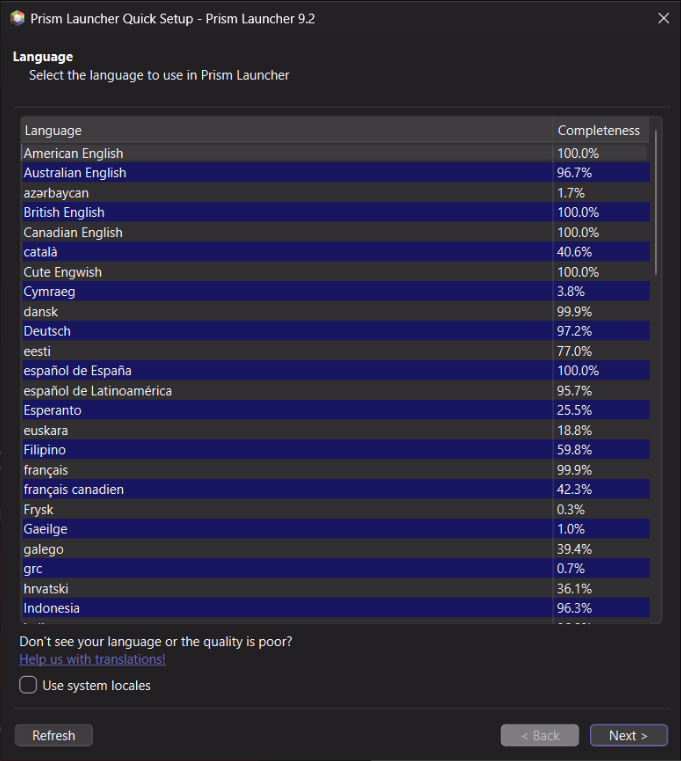
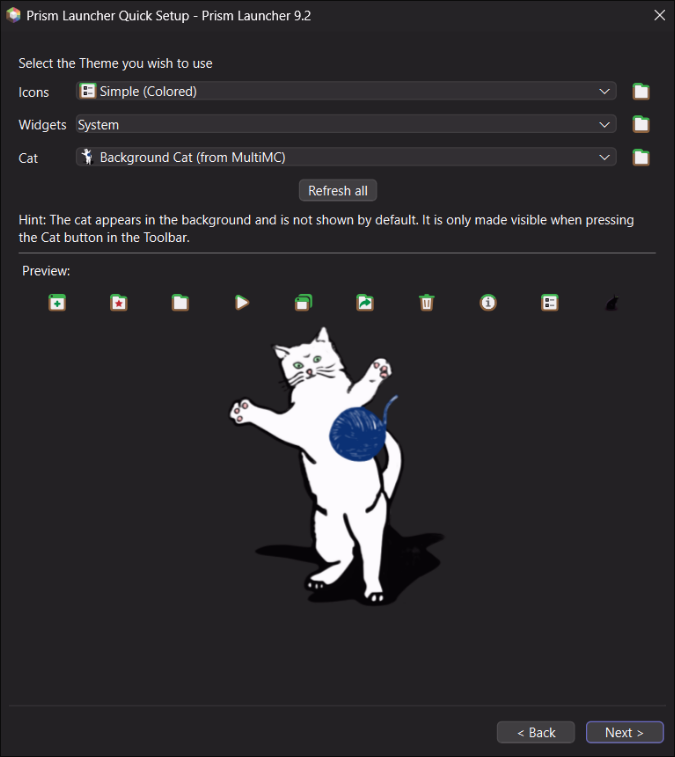
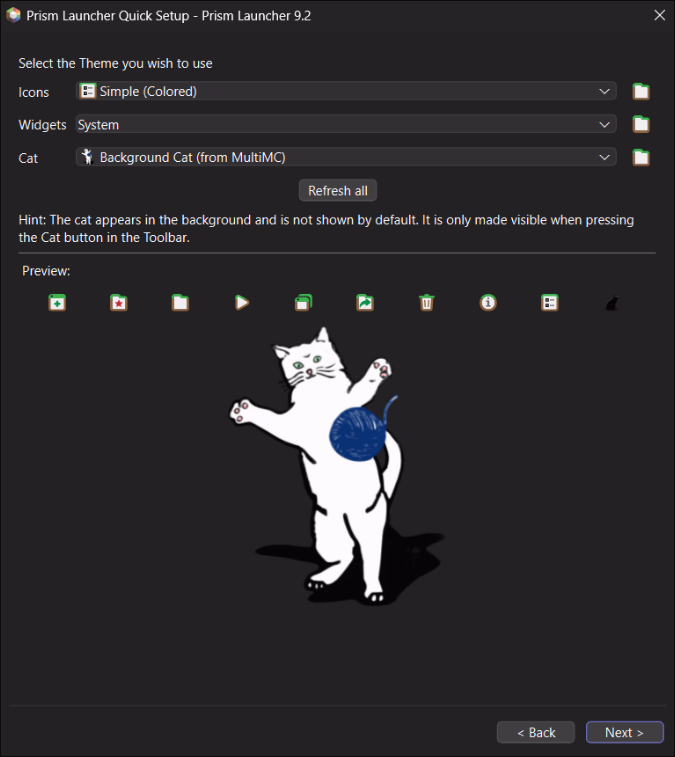
5. You better keep the cat! Hit next!
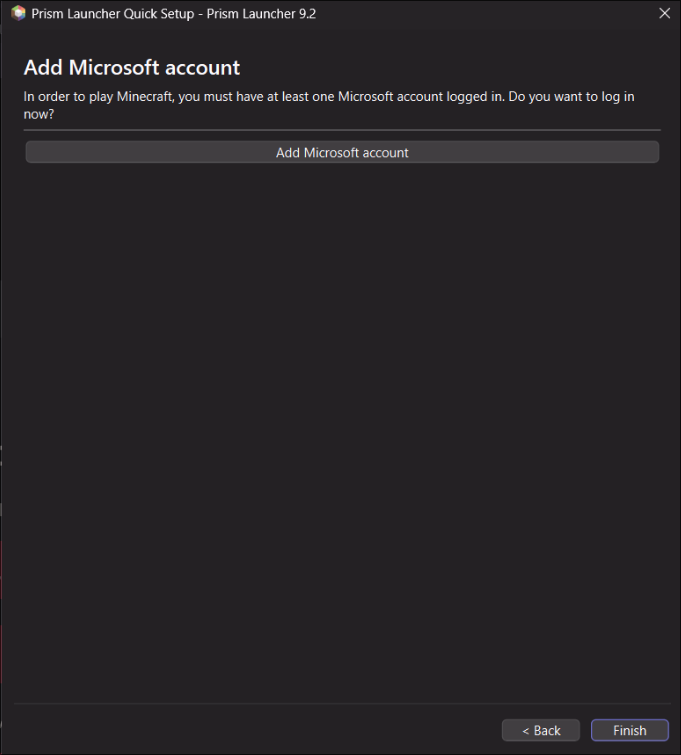
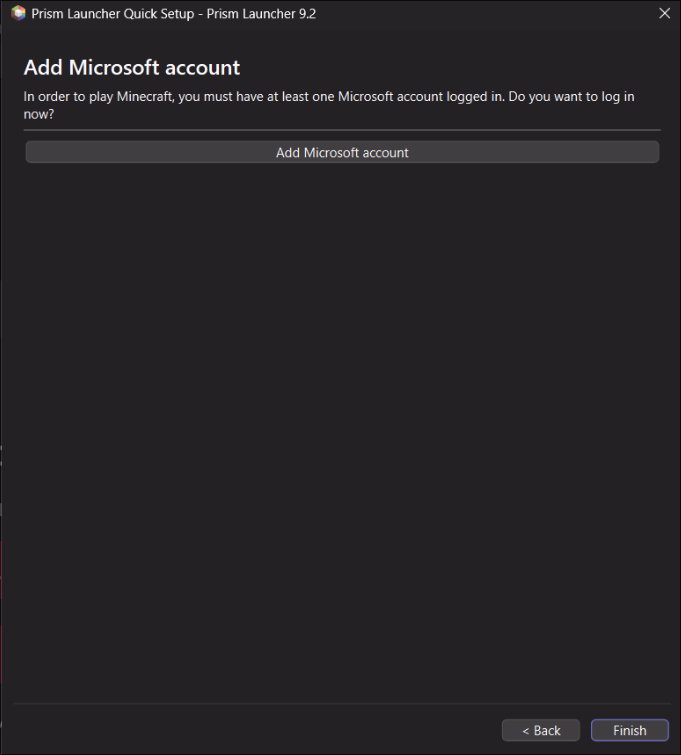
6. Add your minecraft account. Same as your microsoft account.
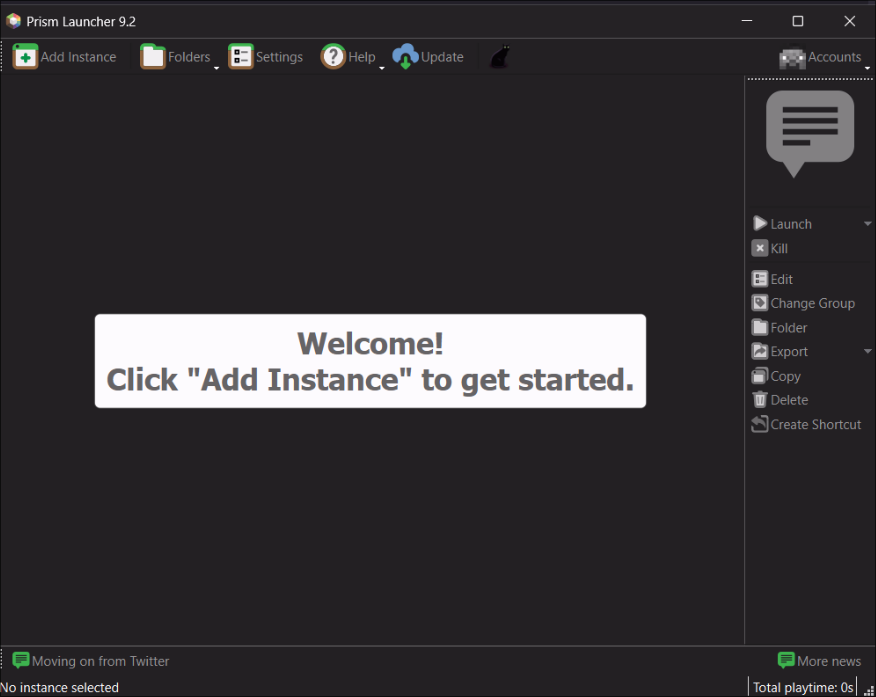
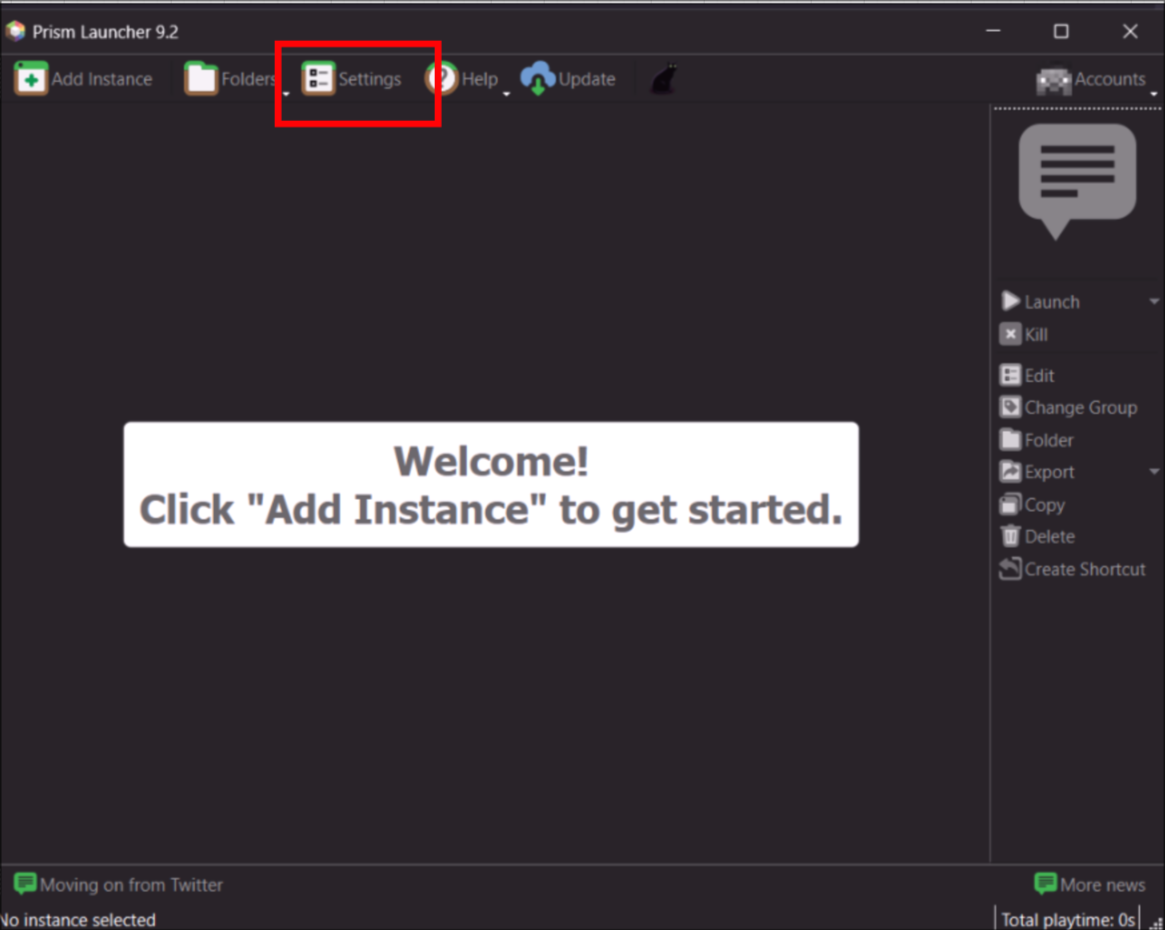
7. Click settings in the top middle
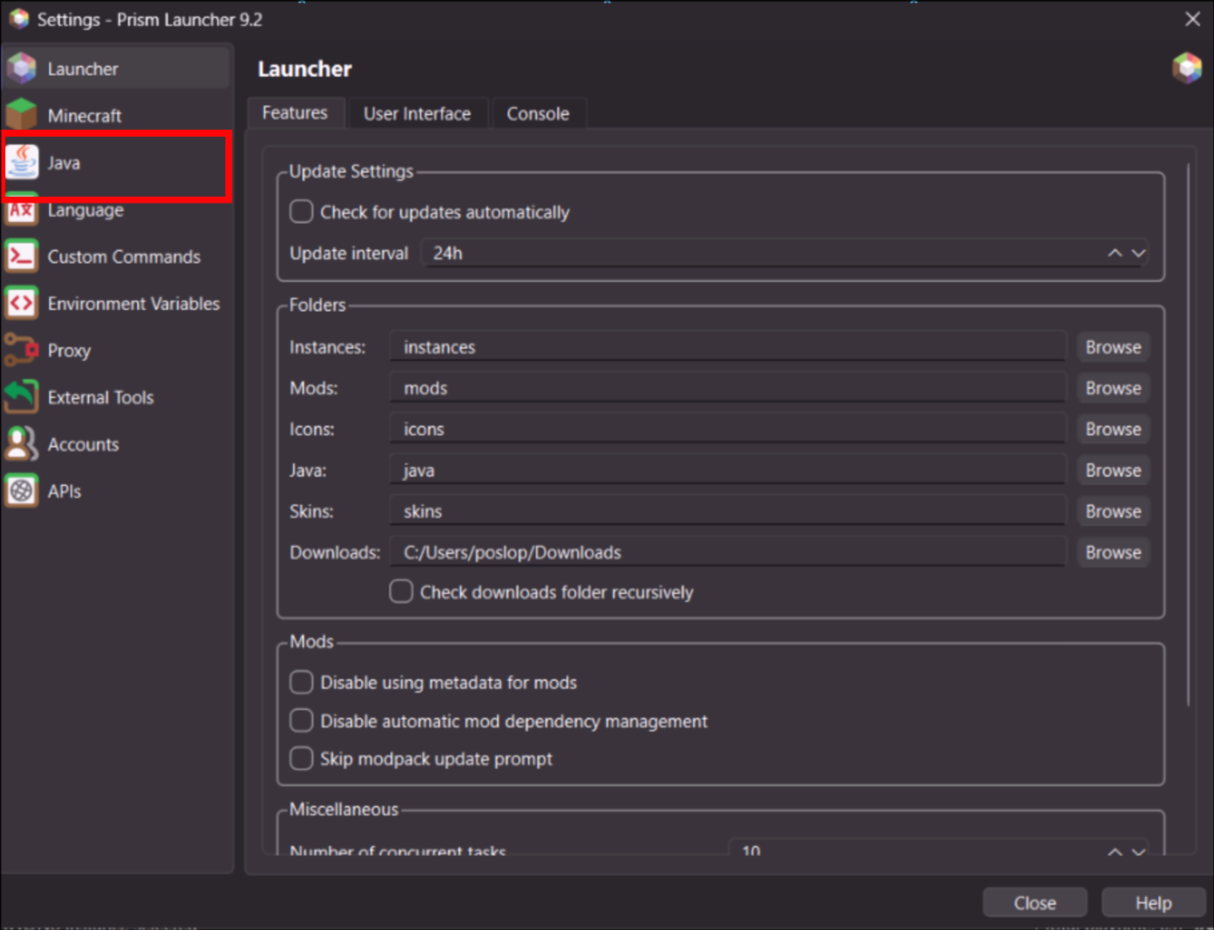
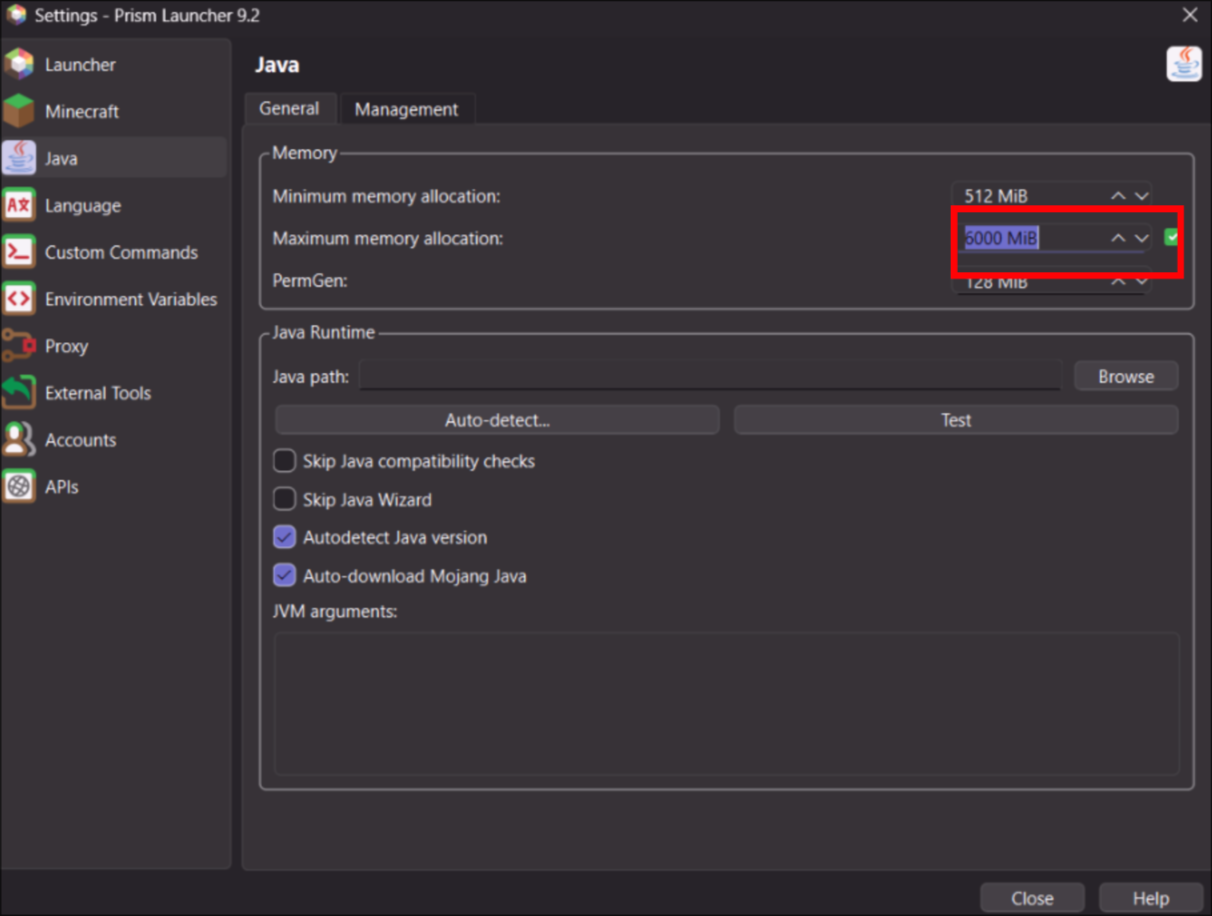
8. Click Java
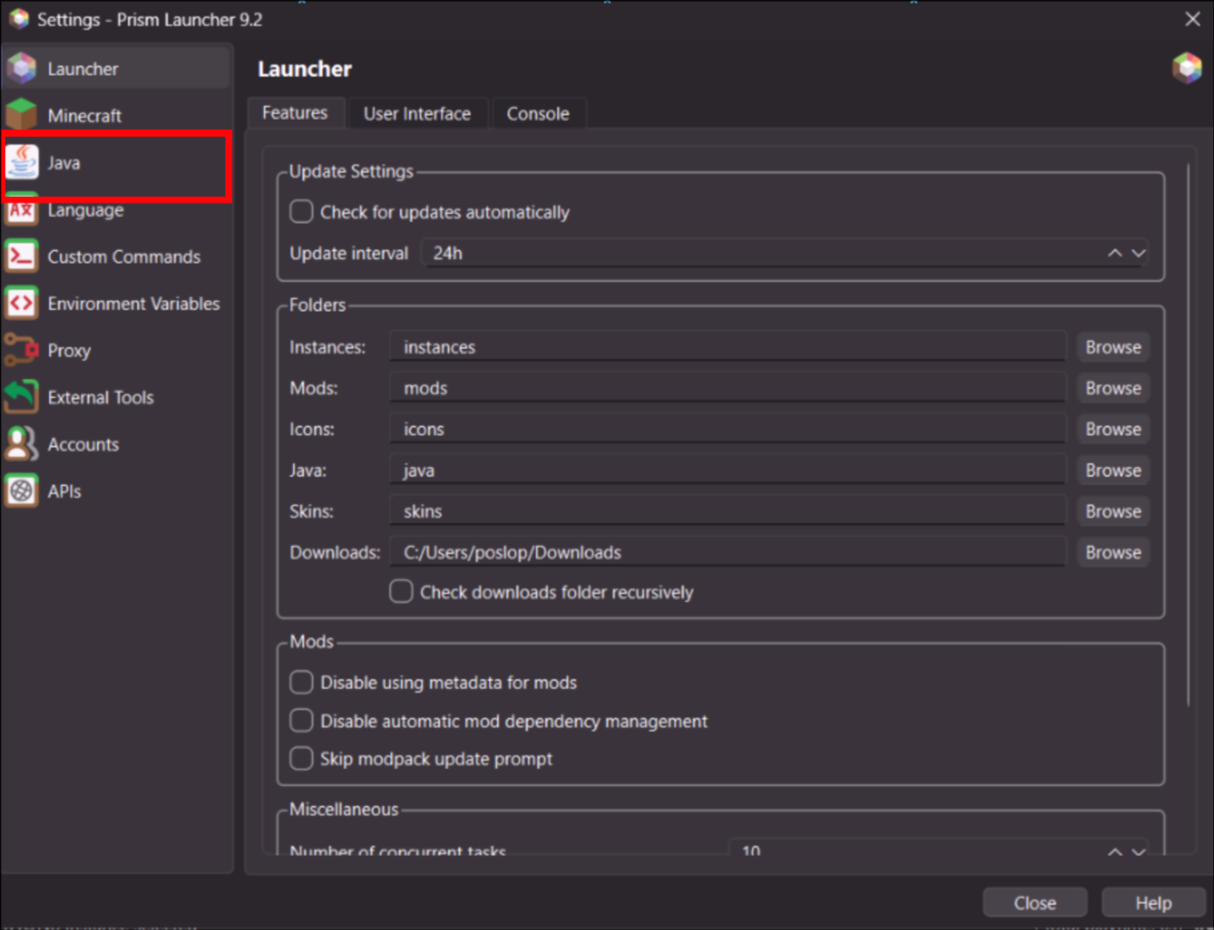
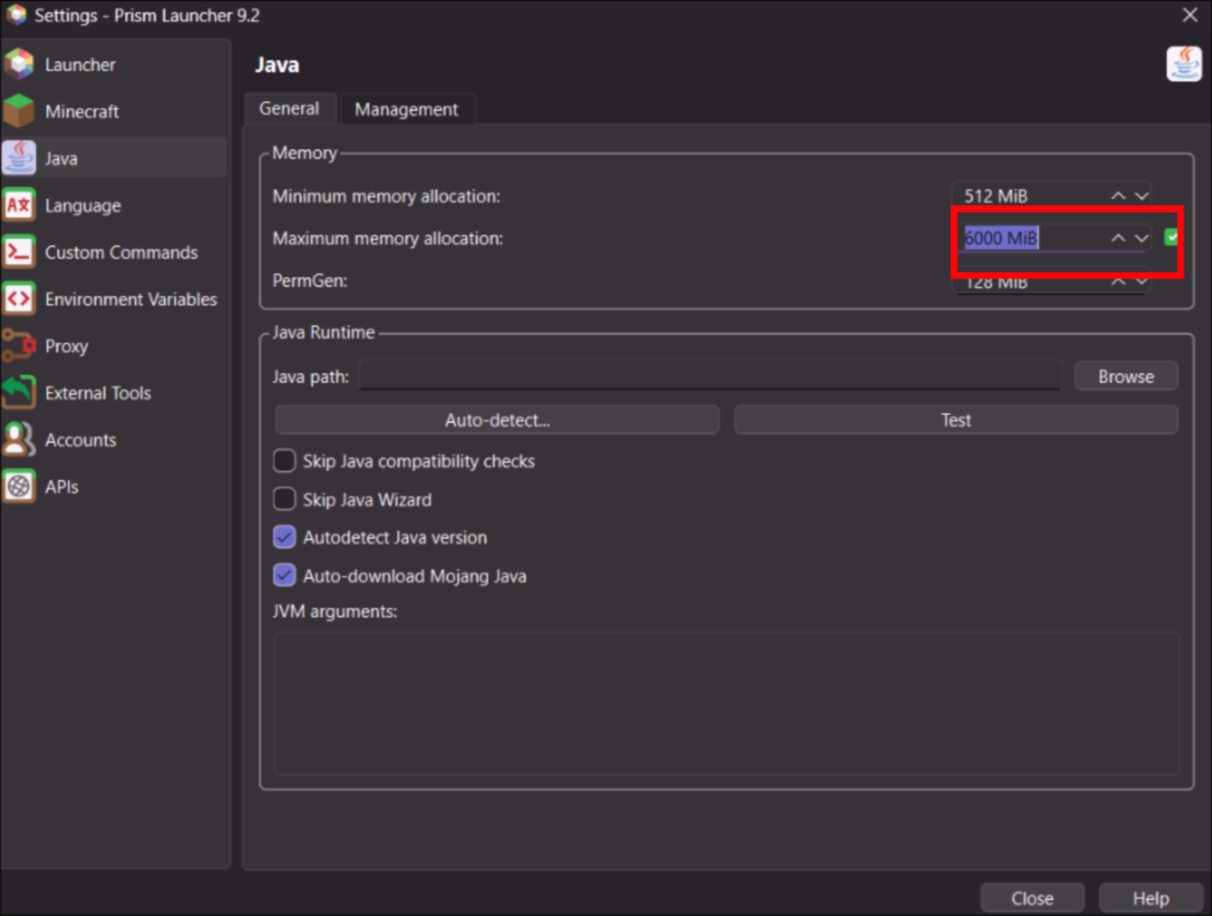
8. Set memory to AT LEAST 6000. Set it to 8000 or 10000 if you have more 16 GB of RAM
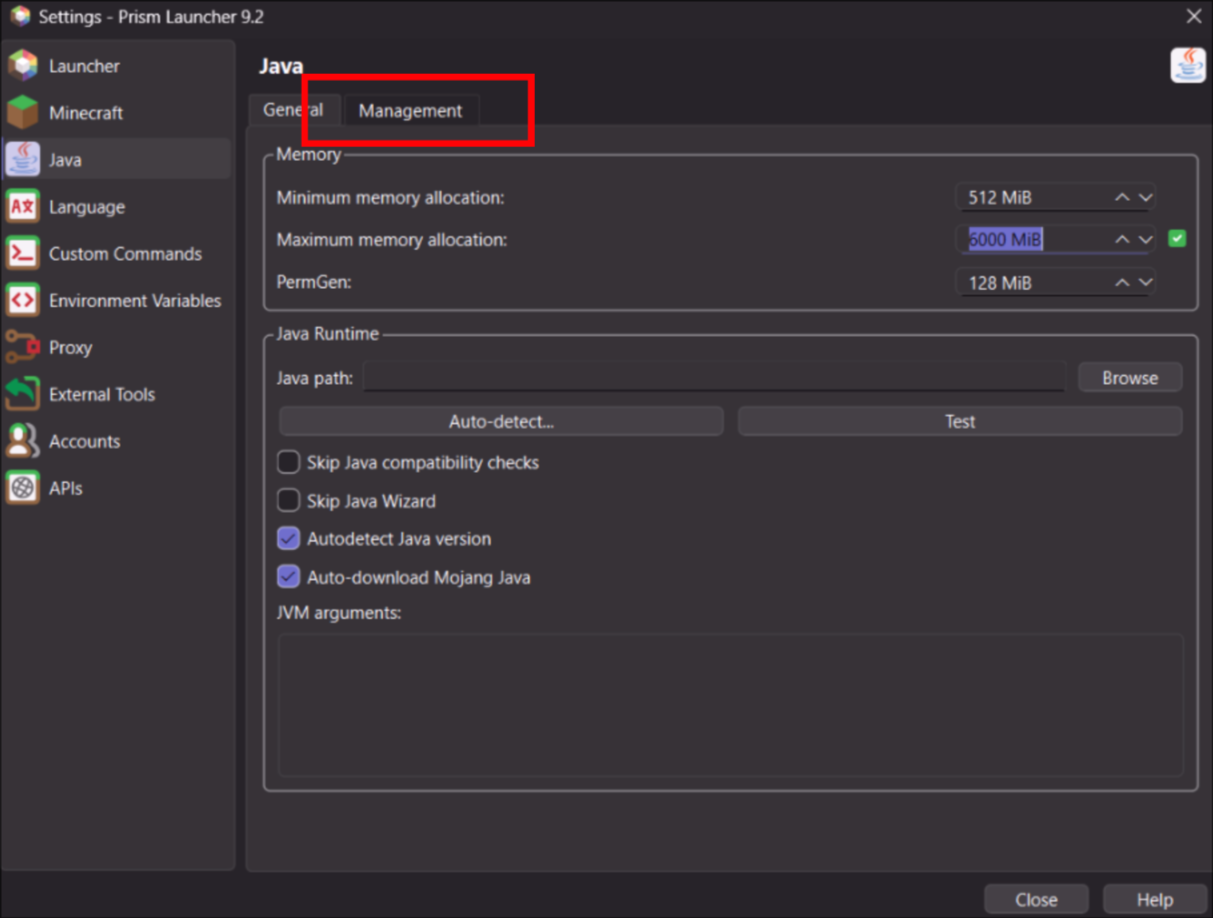
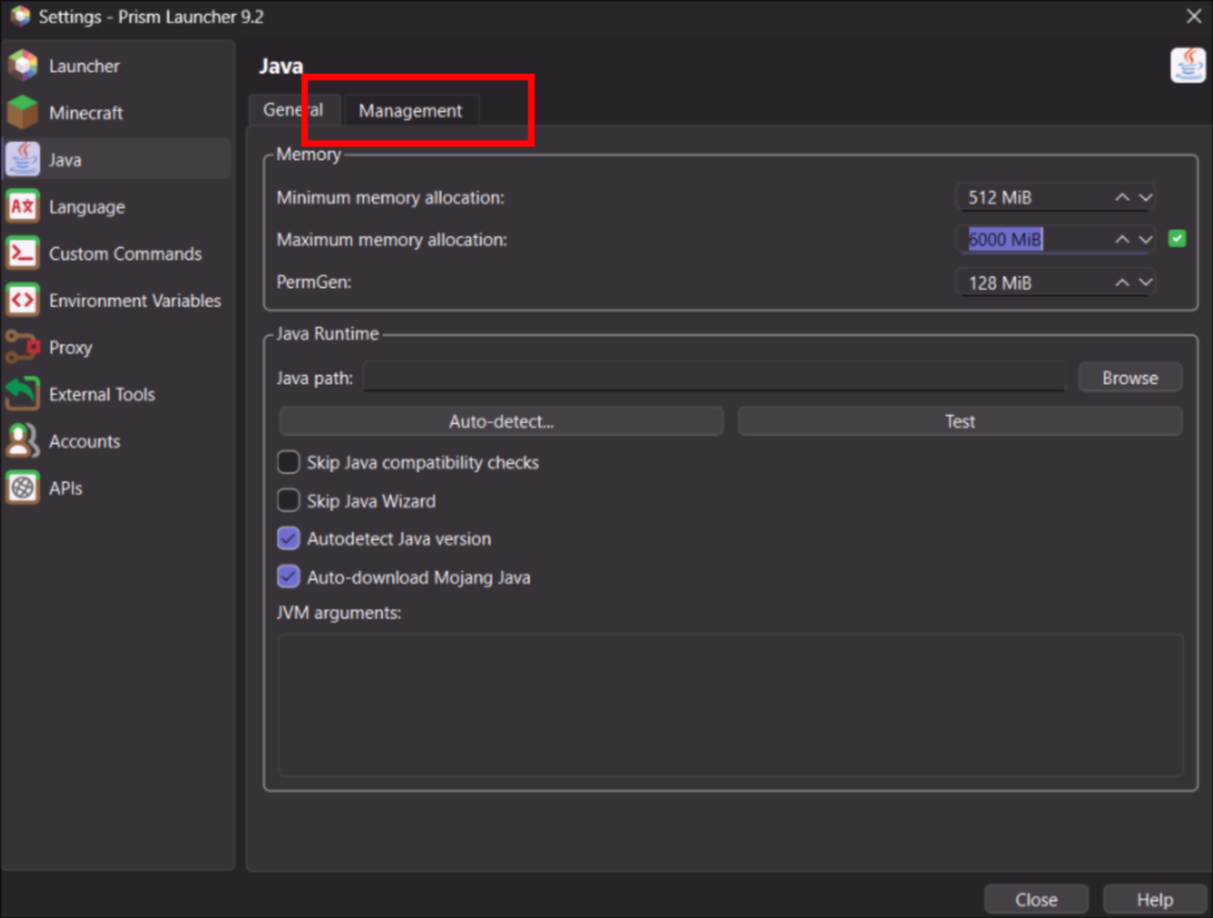
9. Now go to Management tab
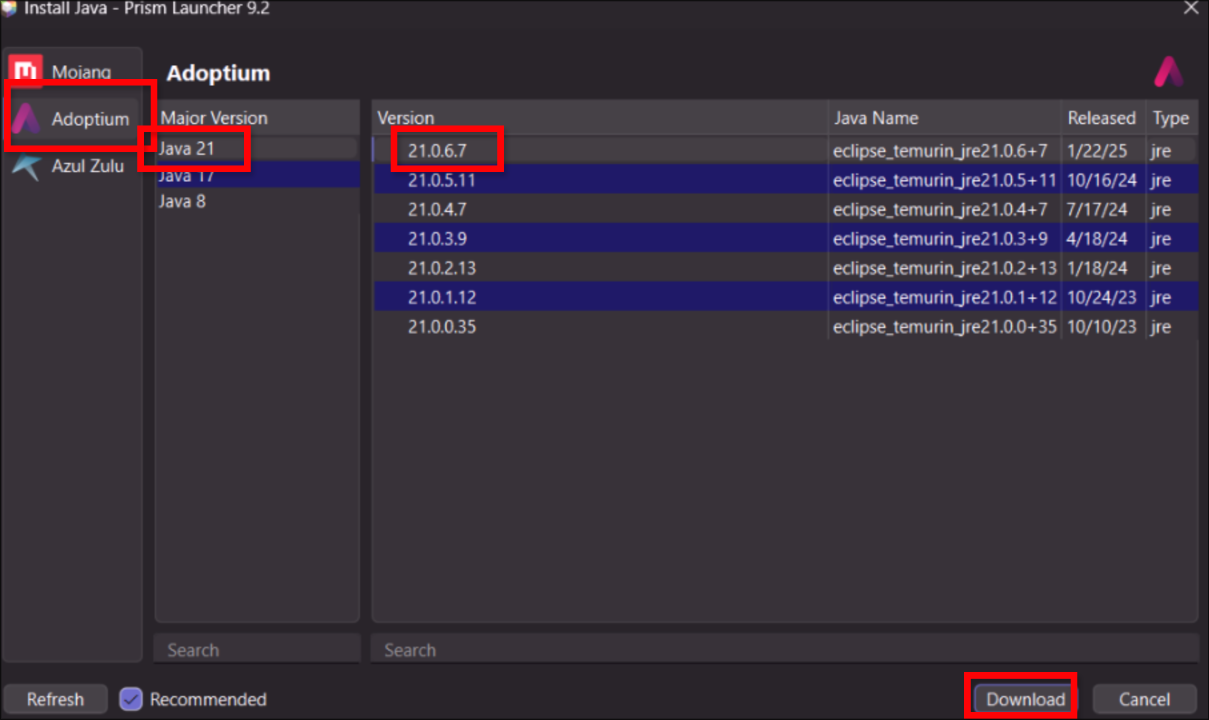
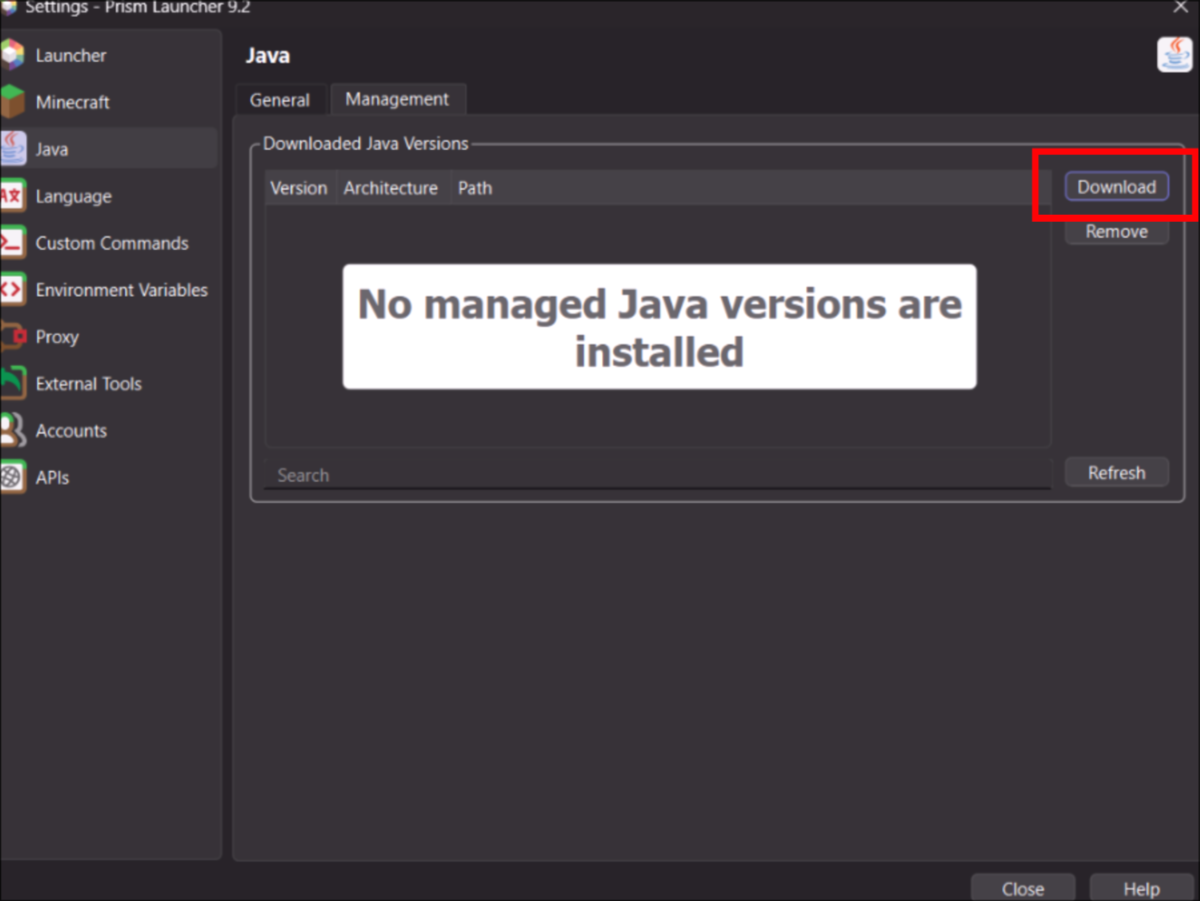
10. Click Download
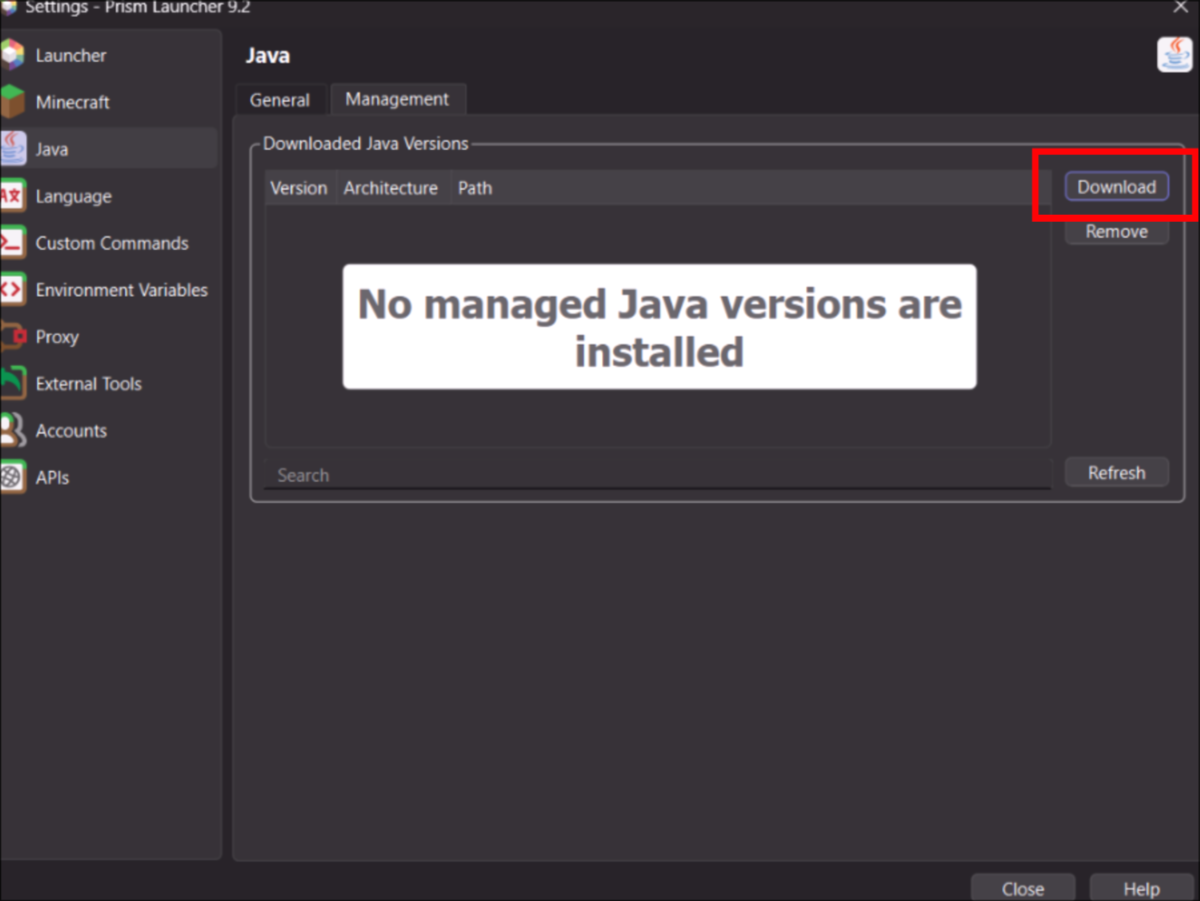
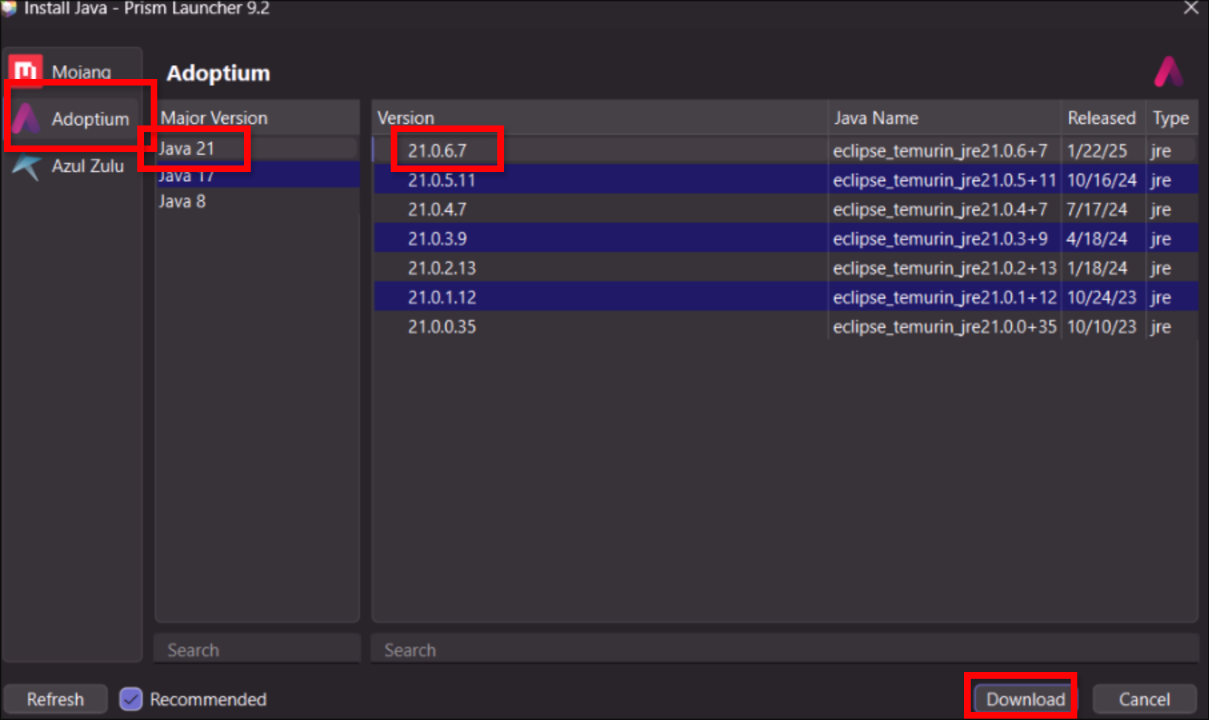
11. Choose Adoptium on the Left Java 21 and the top Version. Then Download