Debian Install
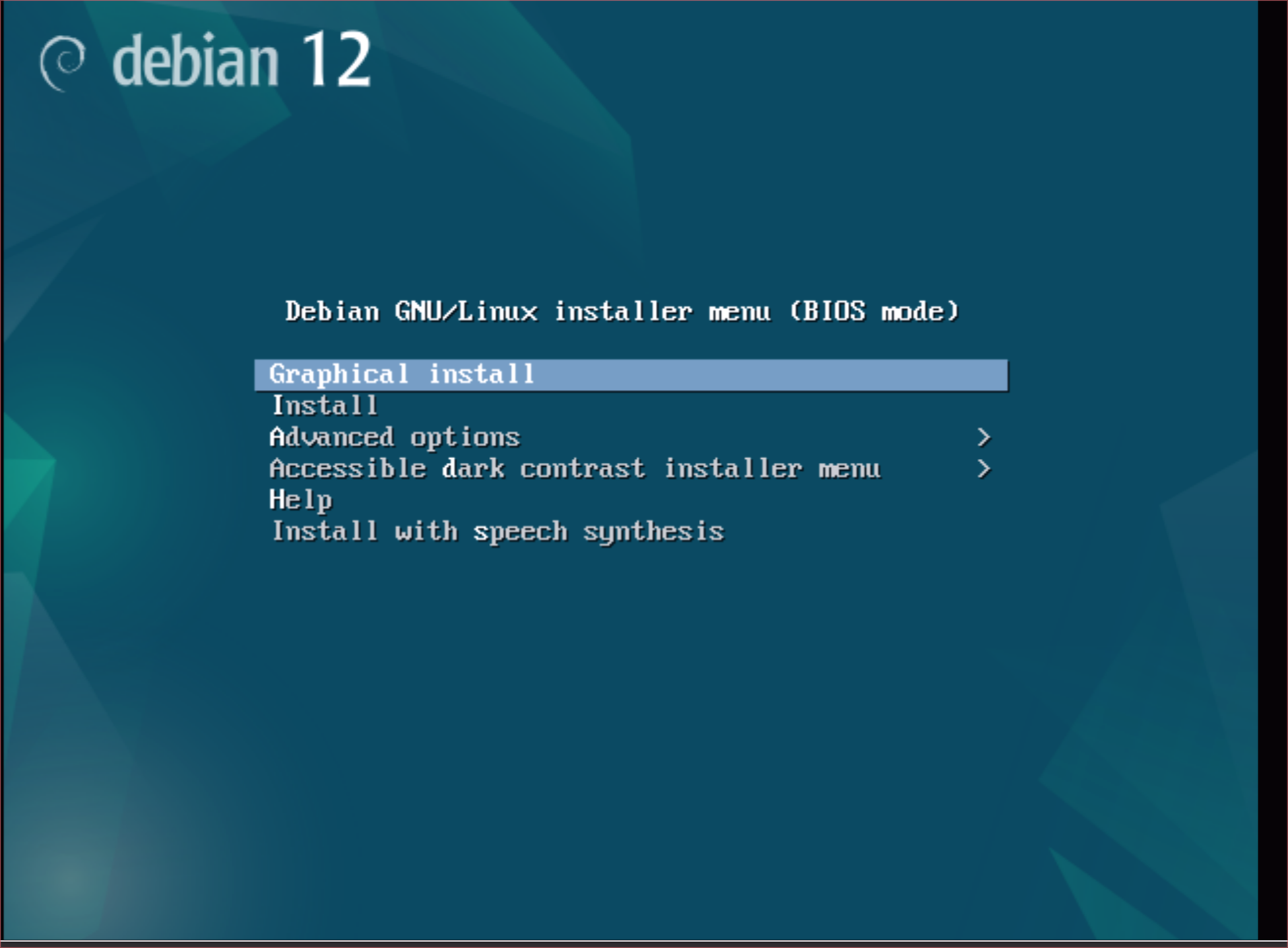
1. After booting the ISO choose graphical install. Make sure there is a working network connection otherwise the install will not work.
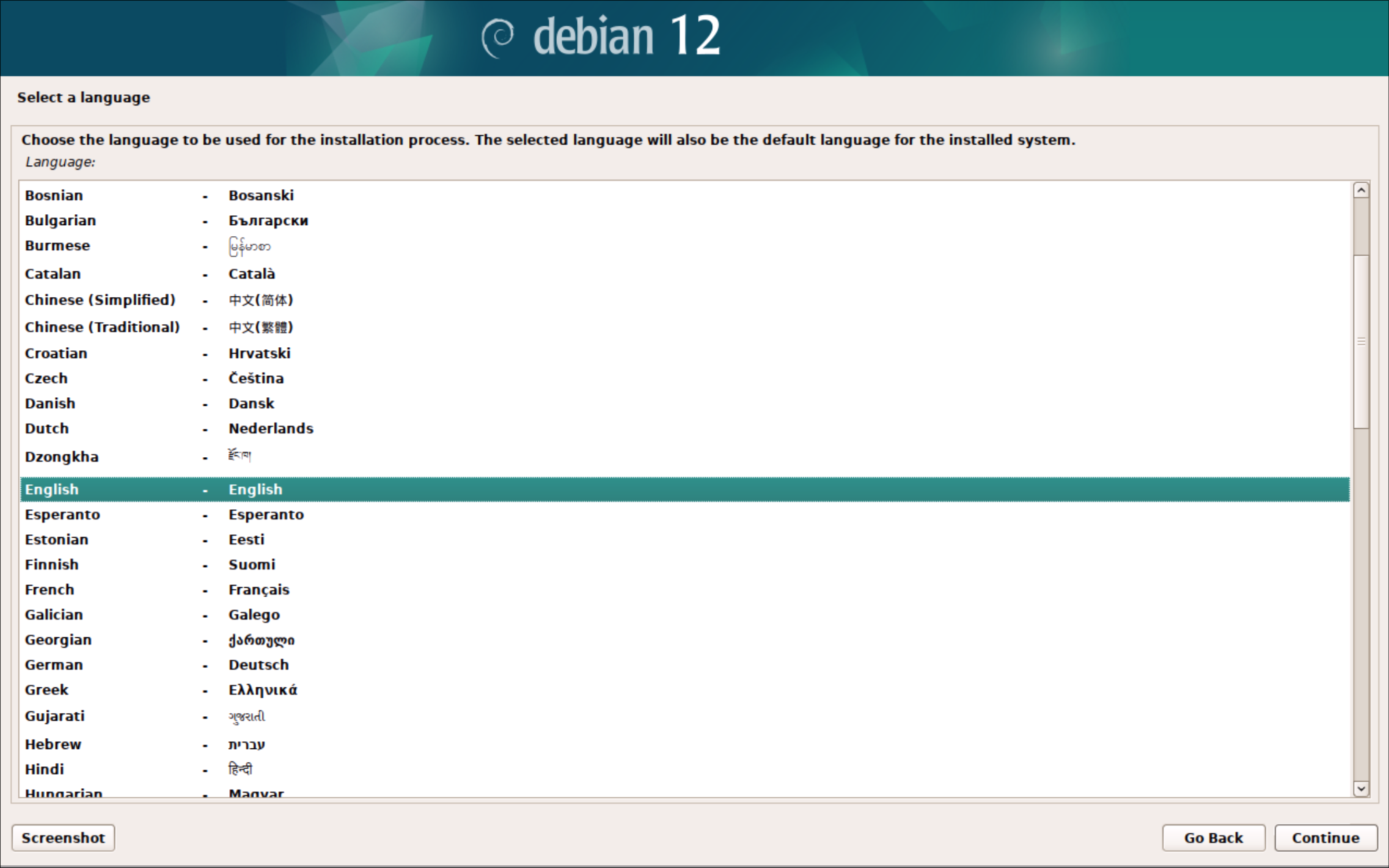
2. English
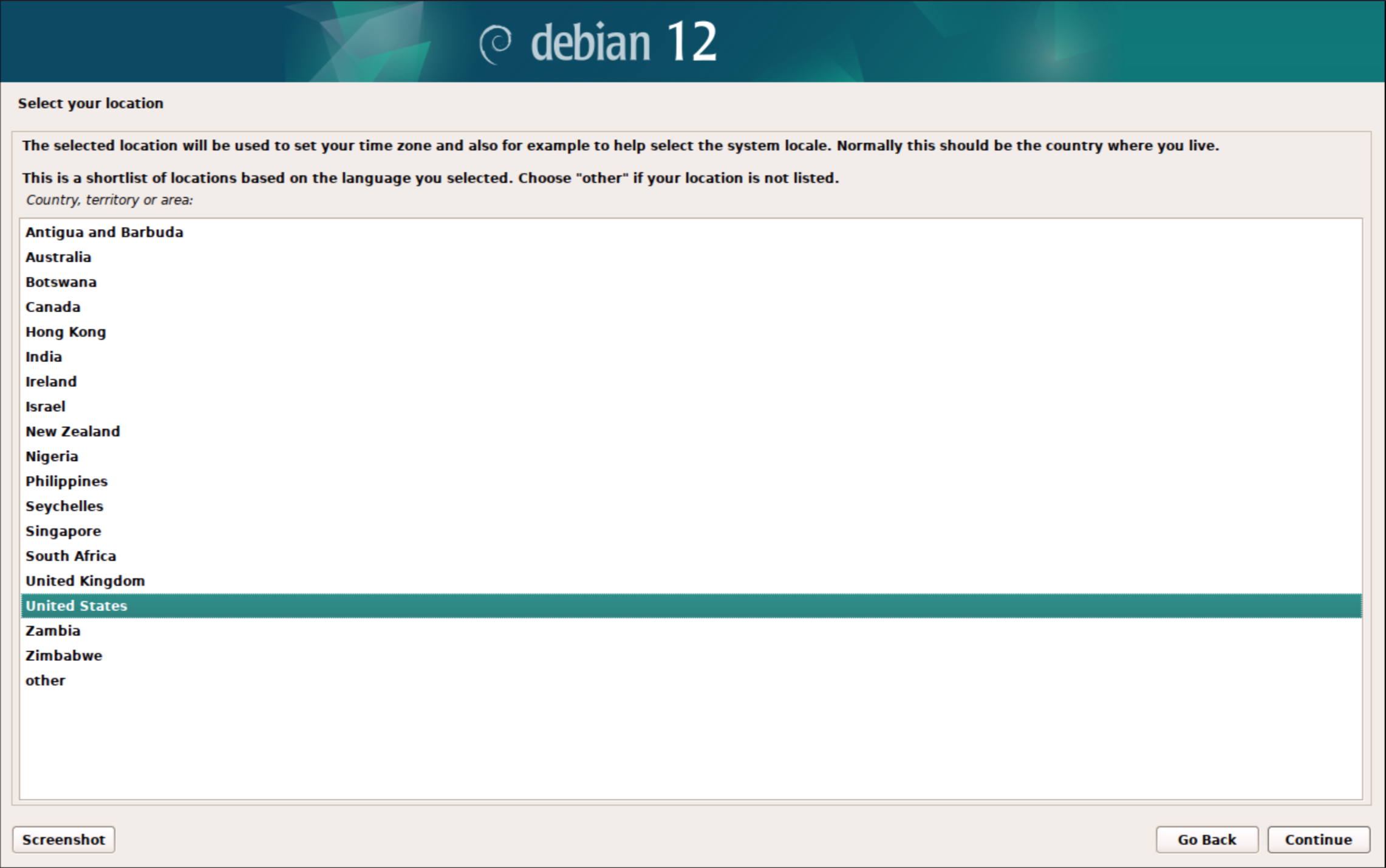
3. United States
4. American English
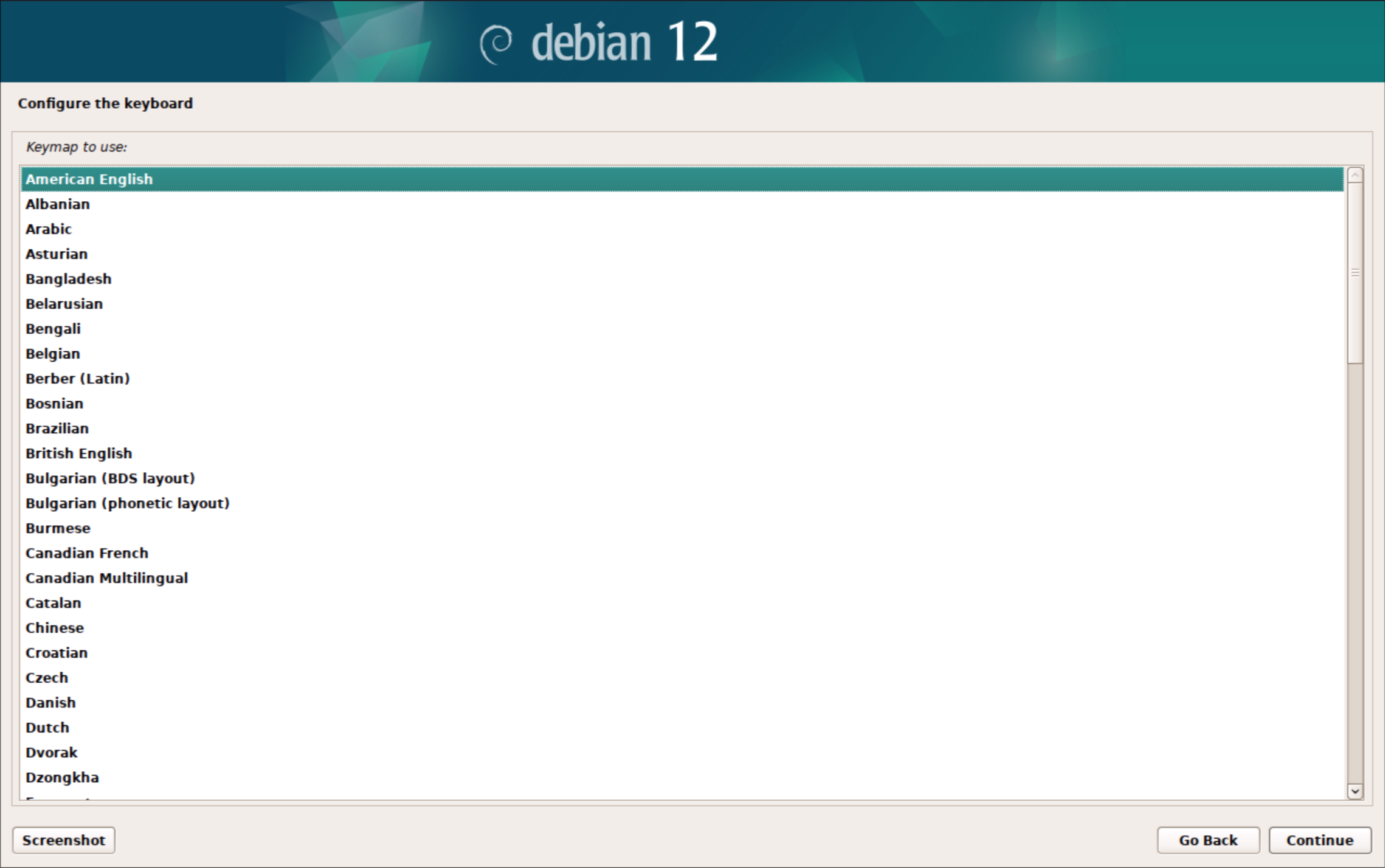
5. Enter SangomaPBX
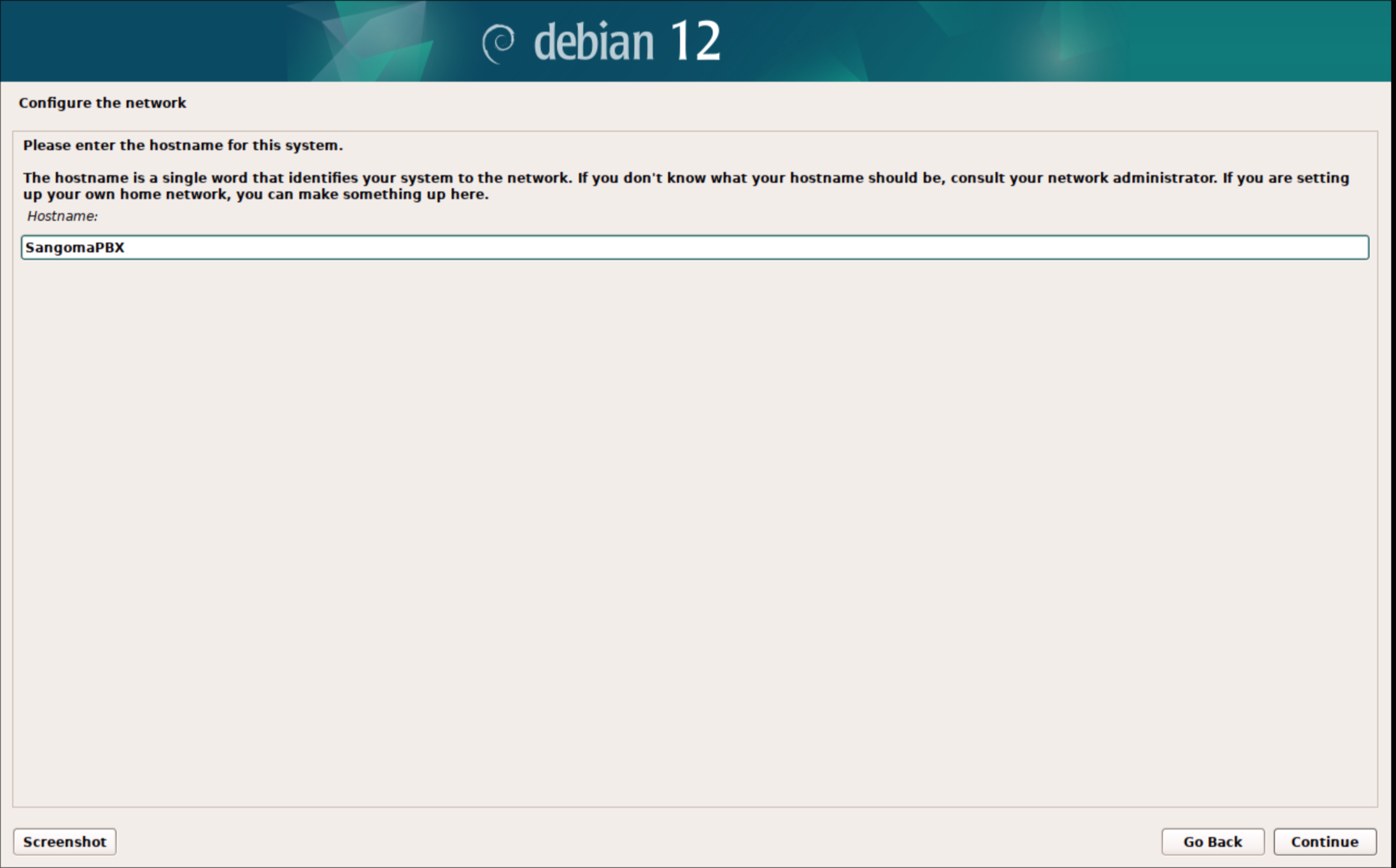
6. Enter the domain of the network or just leave it blank.
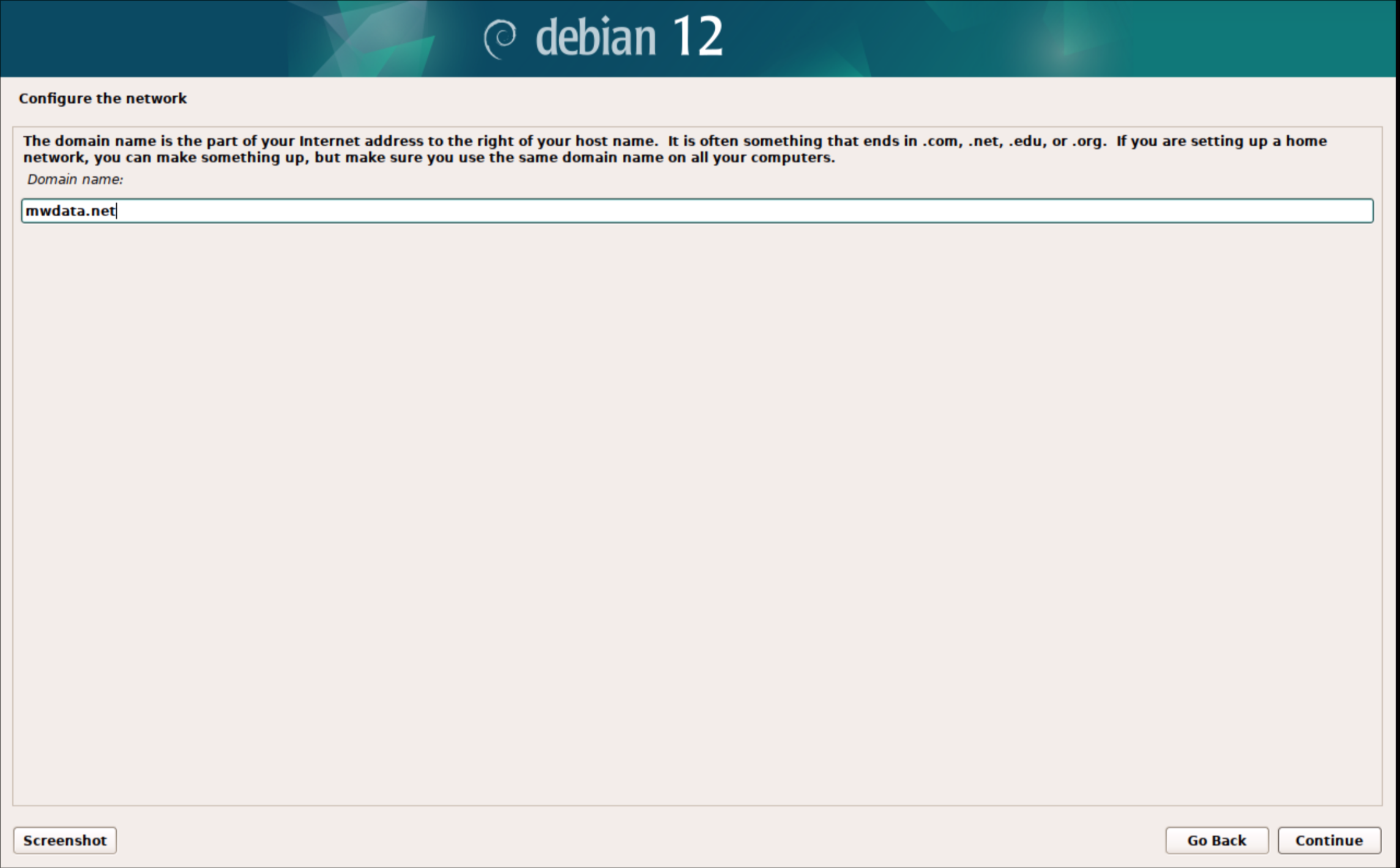
7. Create a password for the Root user that will also be used for the login user that will be created later
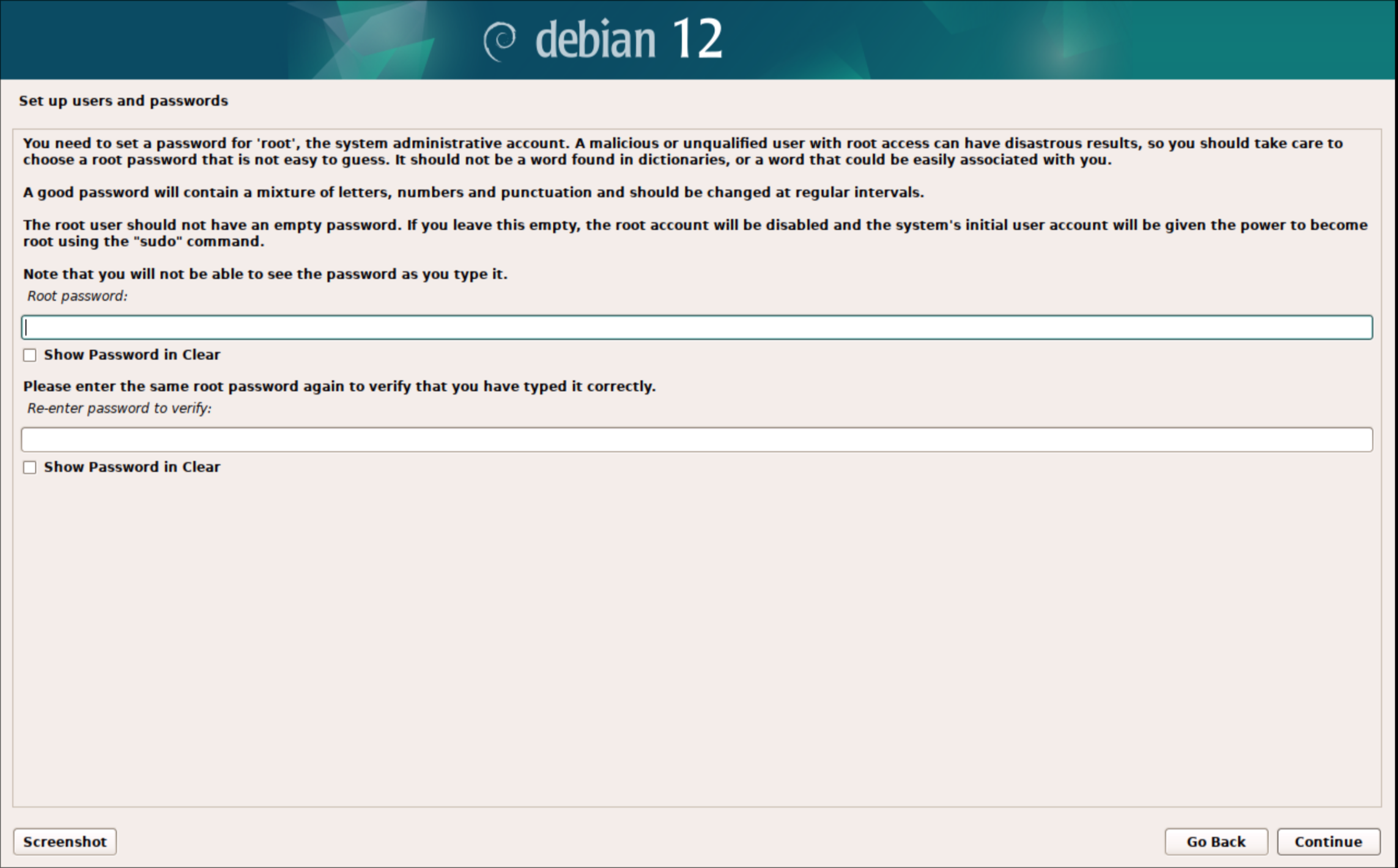
8. This will be the main user that will login with ssh make sure to record this username
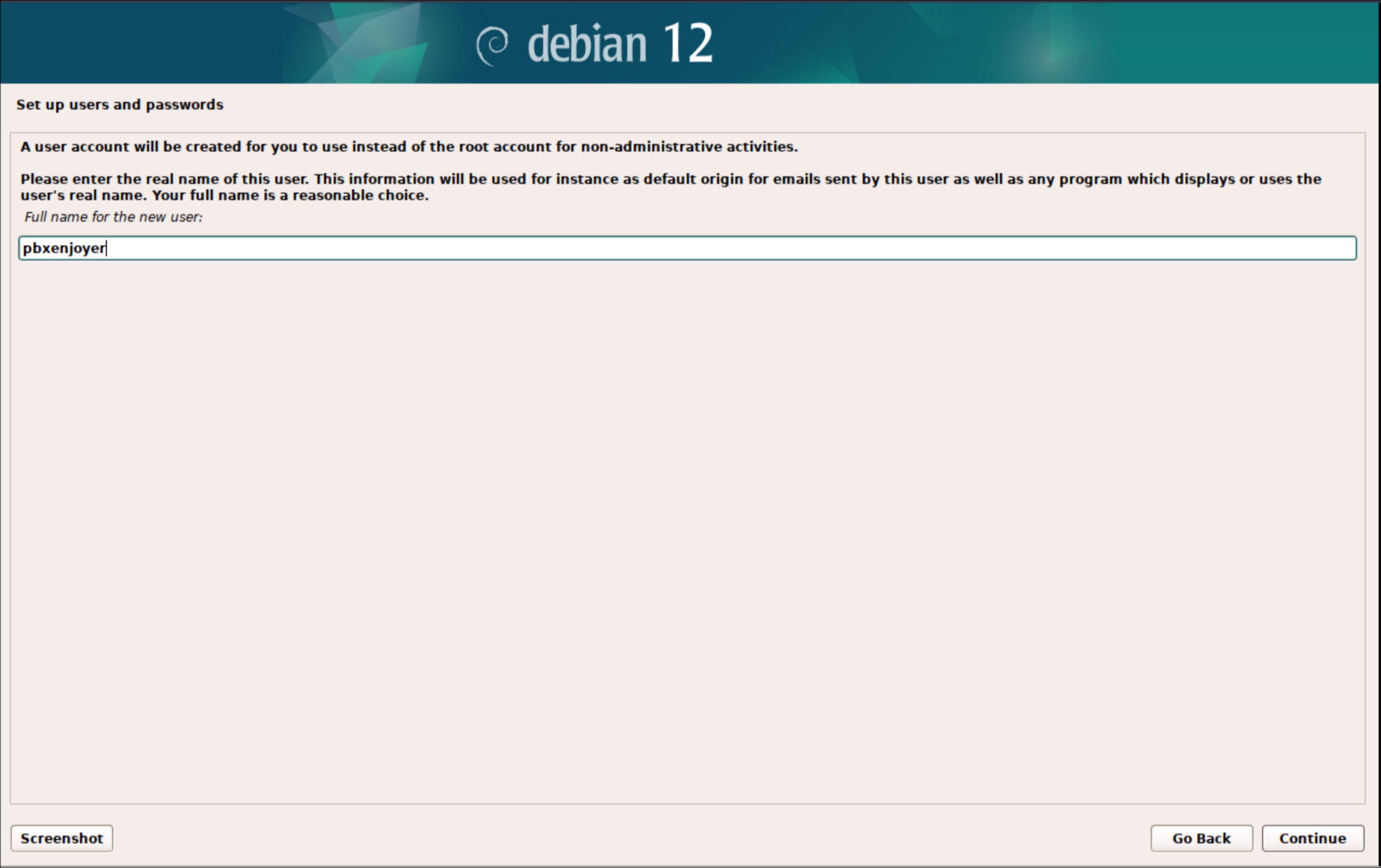
9. Use the same password as used for the root account
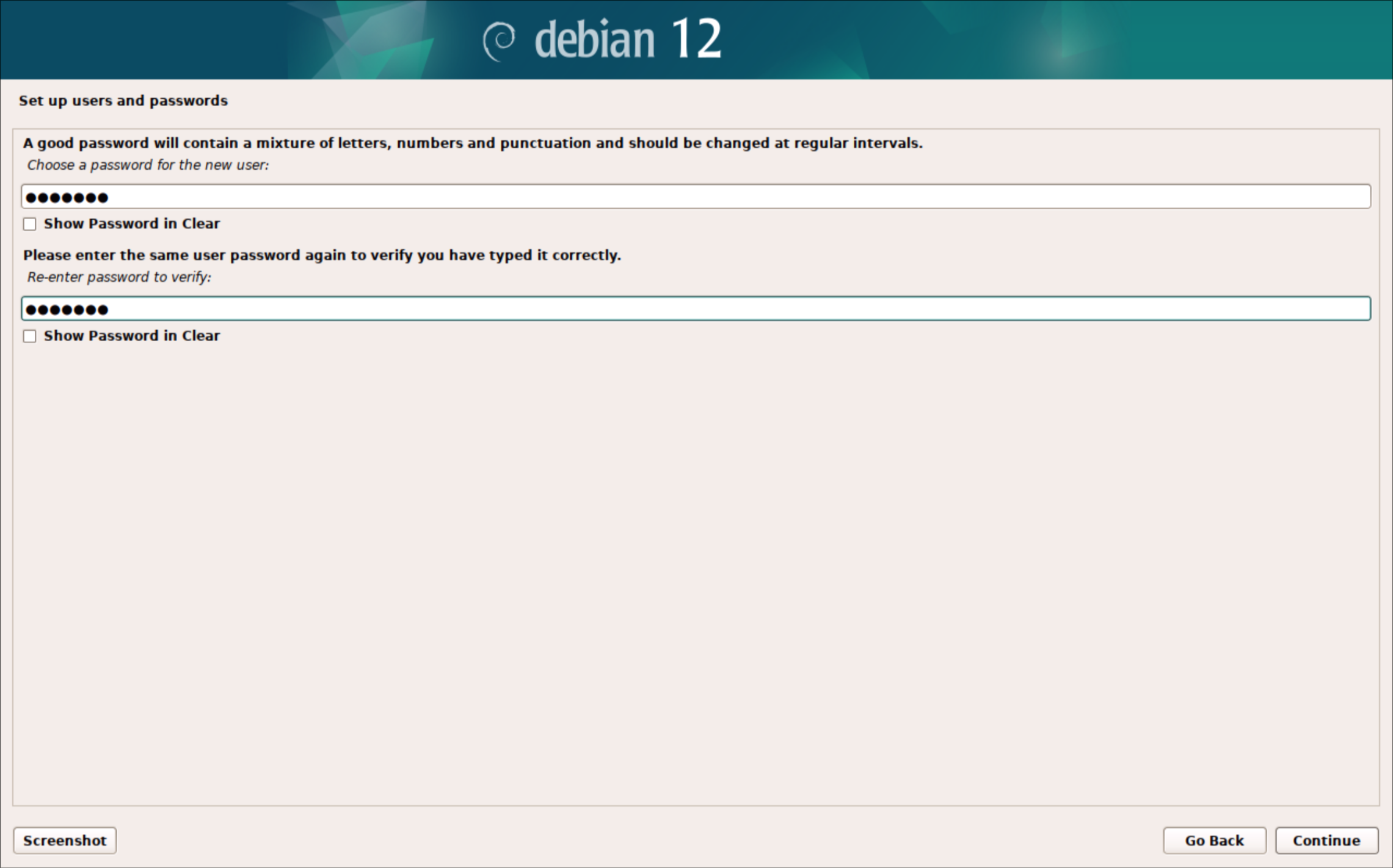
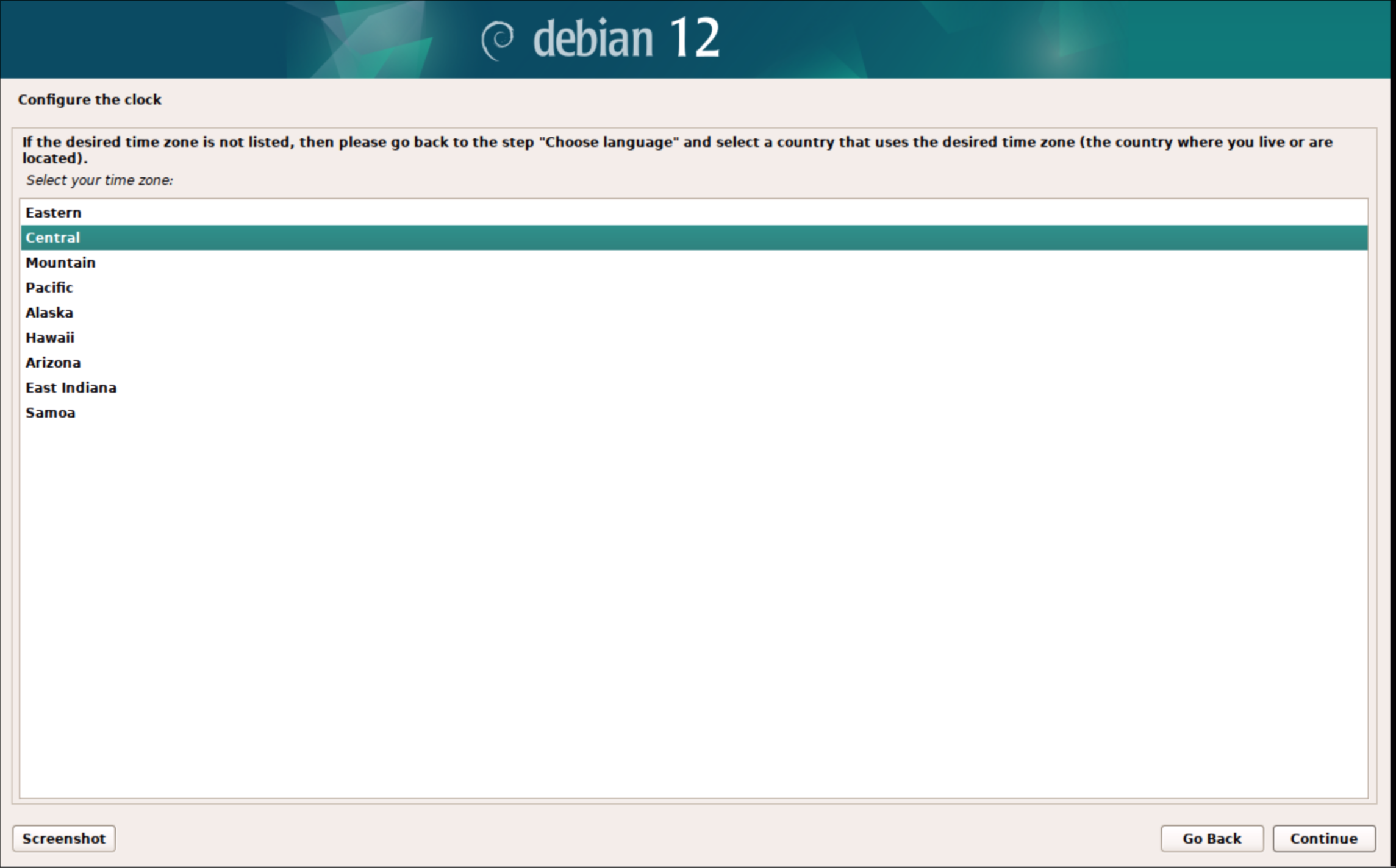
10. Usually Central
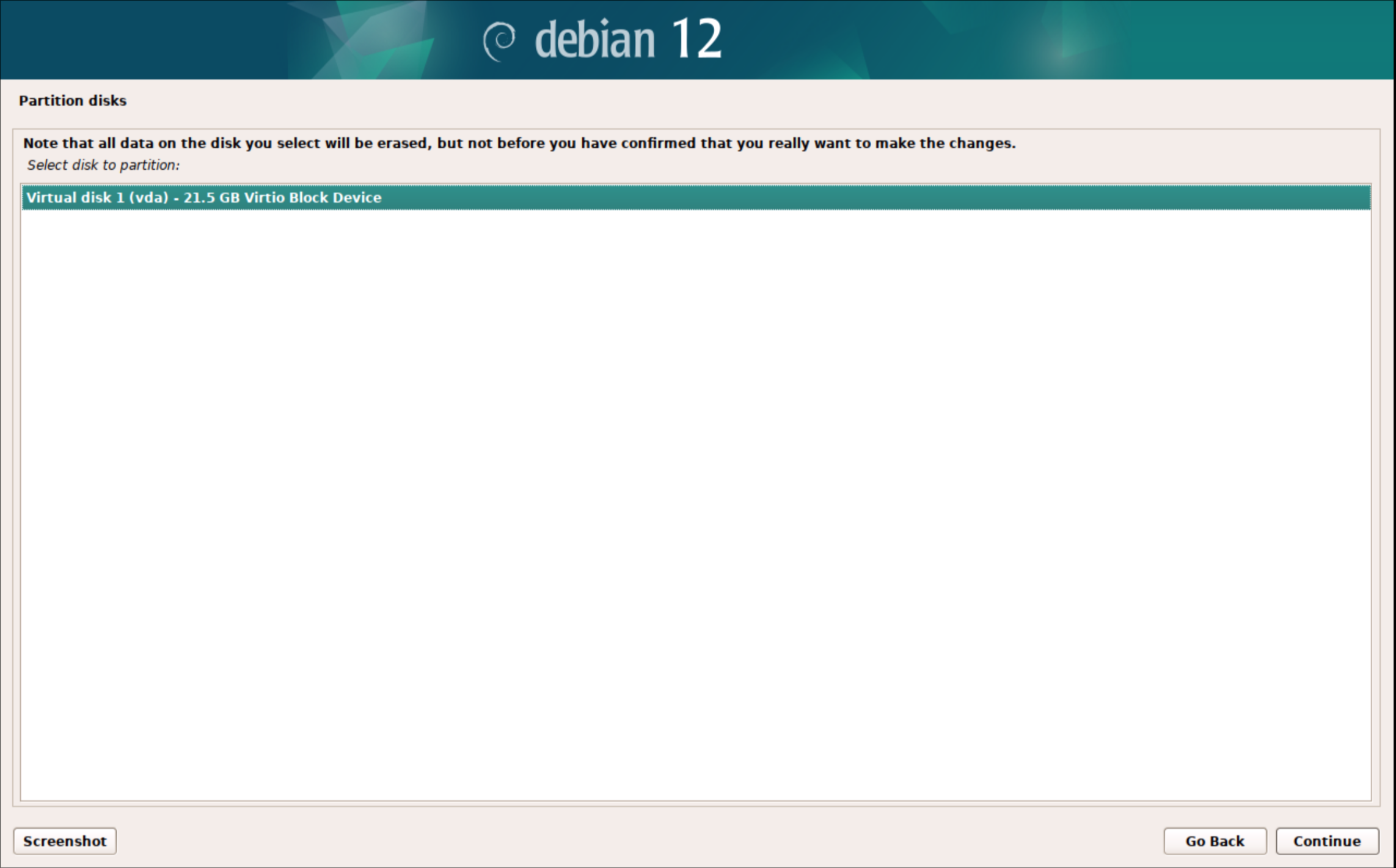
11. Choose "use entire disk"
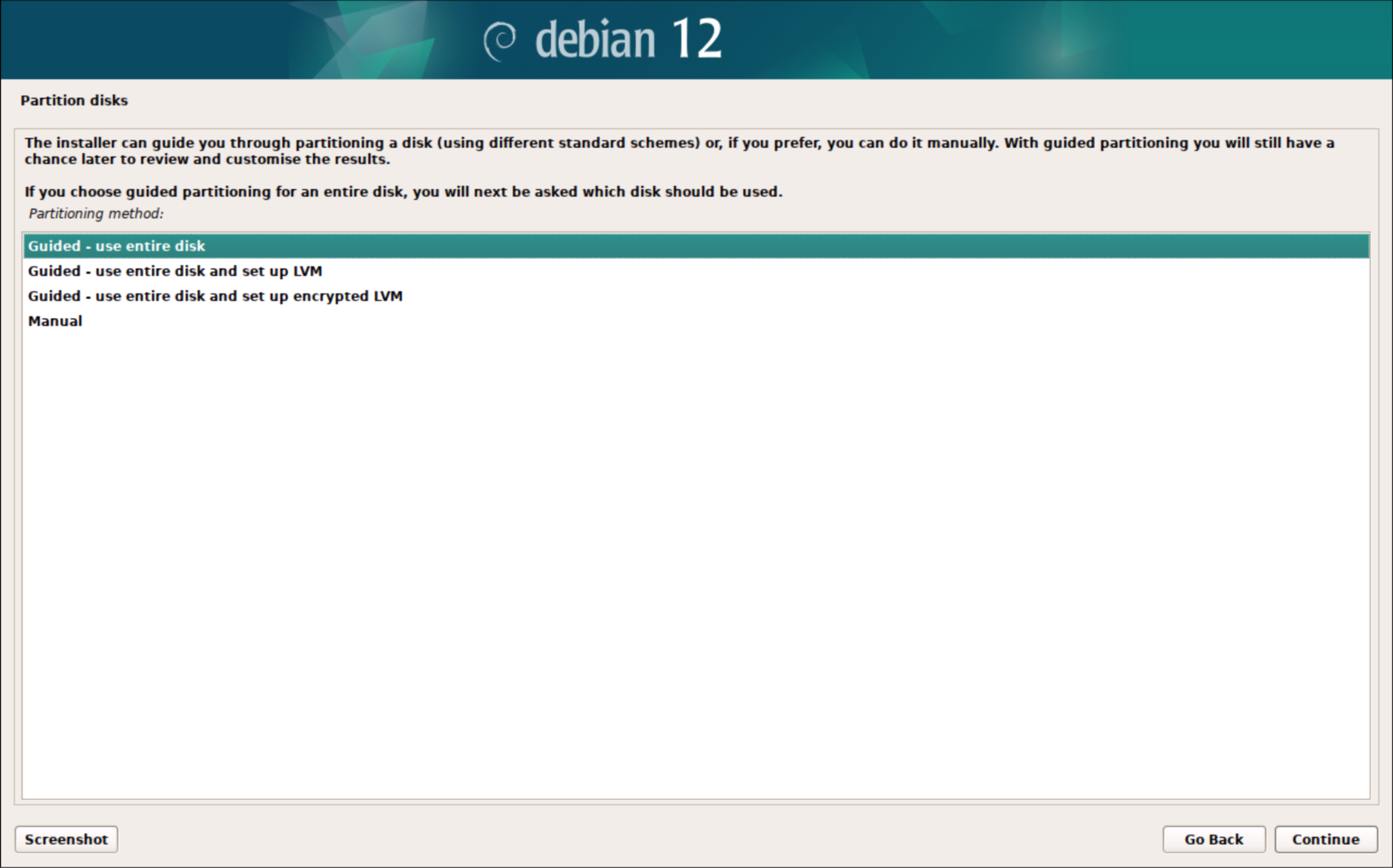
12. In a VM there should only be 1 option
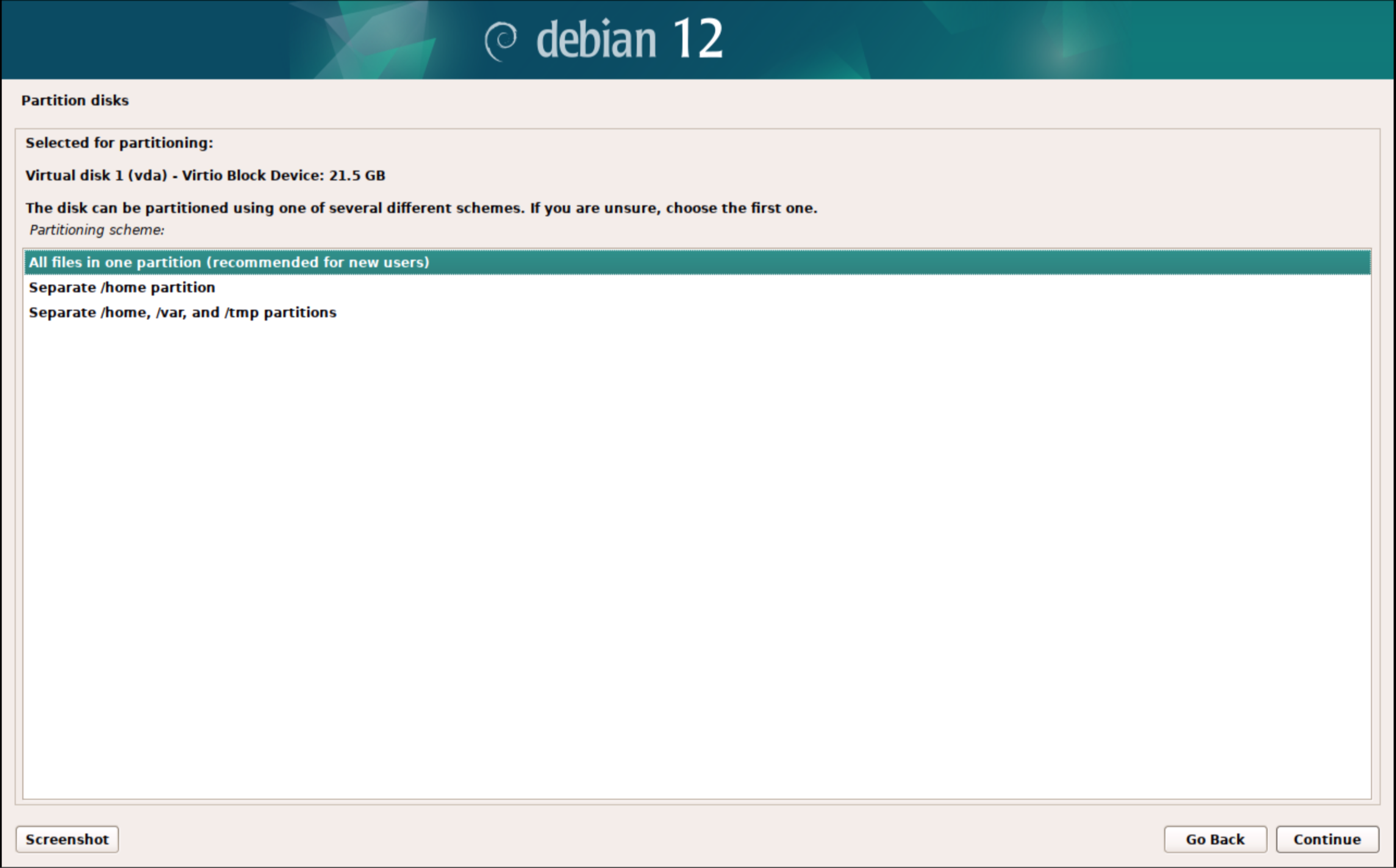
13. All files in 1 partition
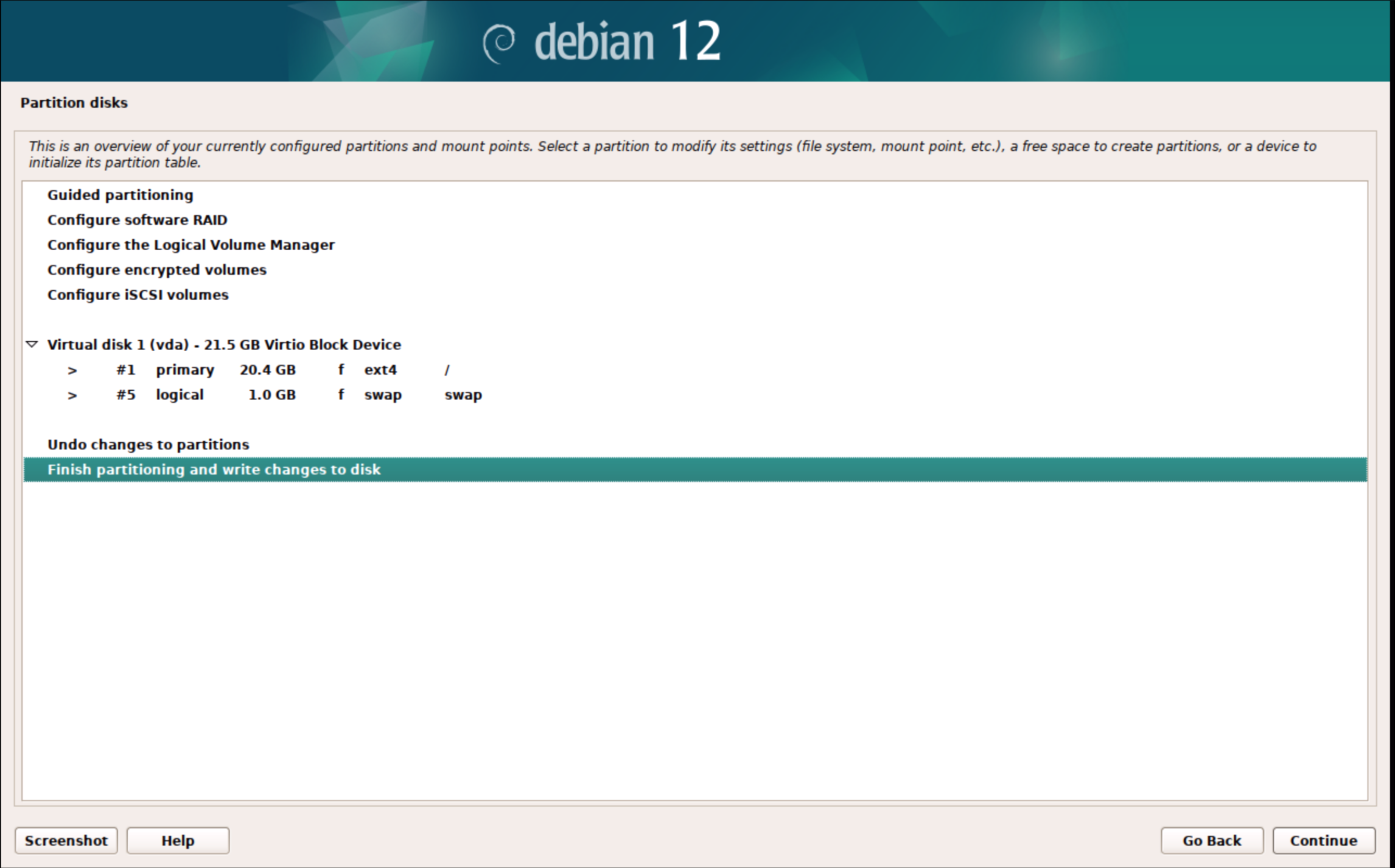
14. Finish partitioning
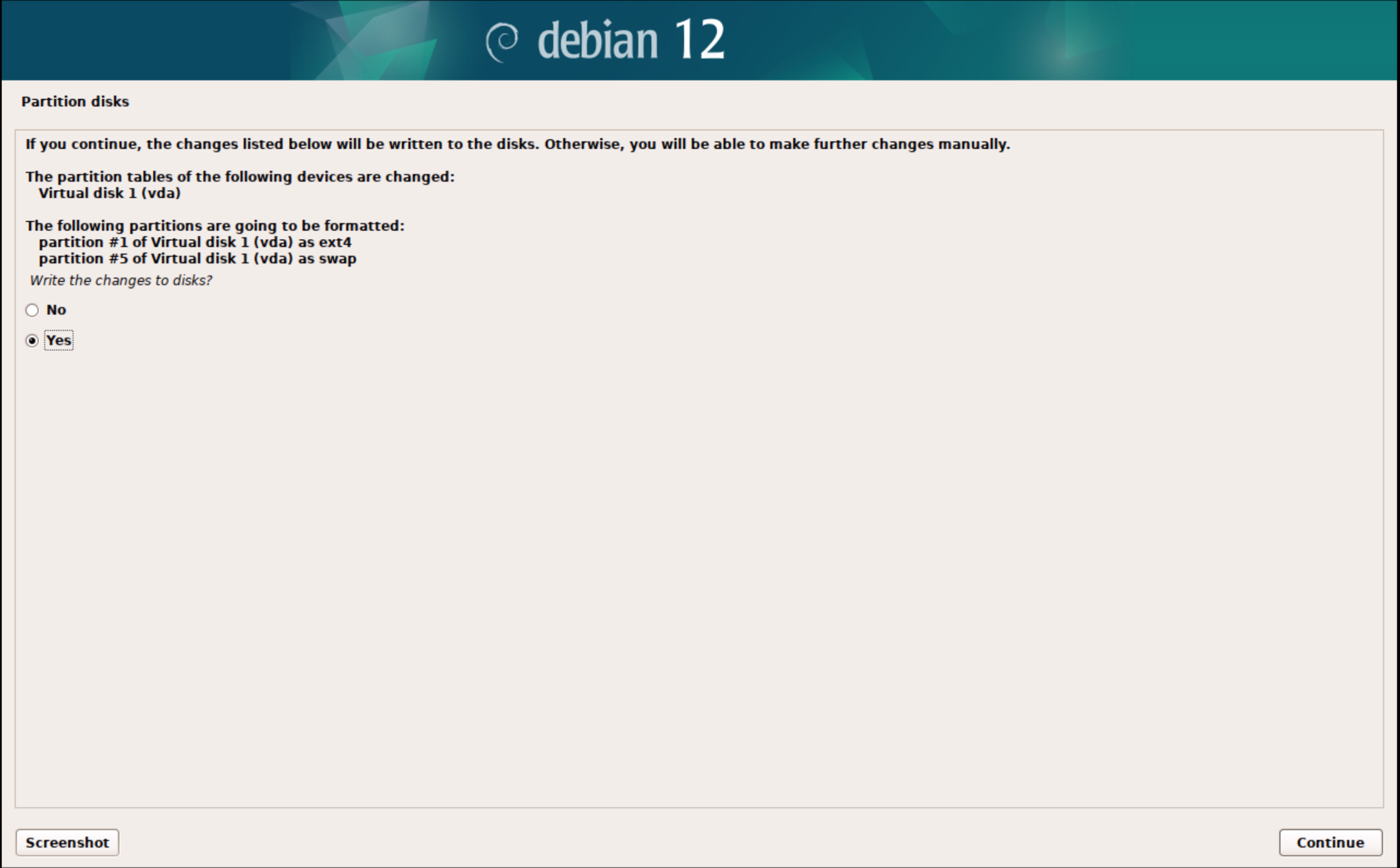
15. Make sure to change this to Yes and continue
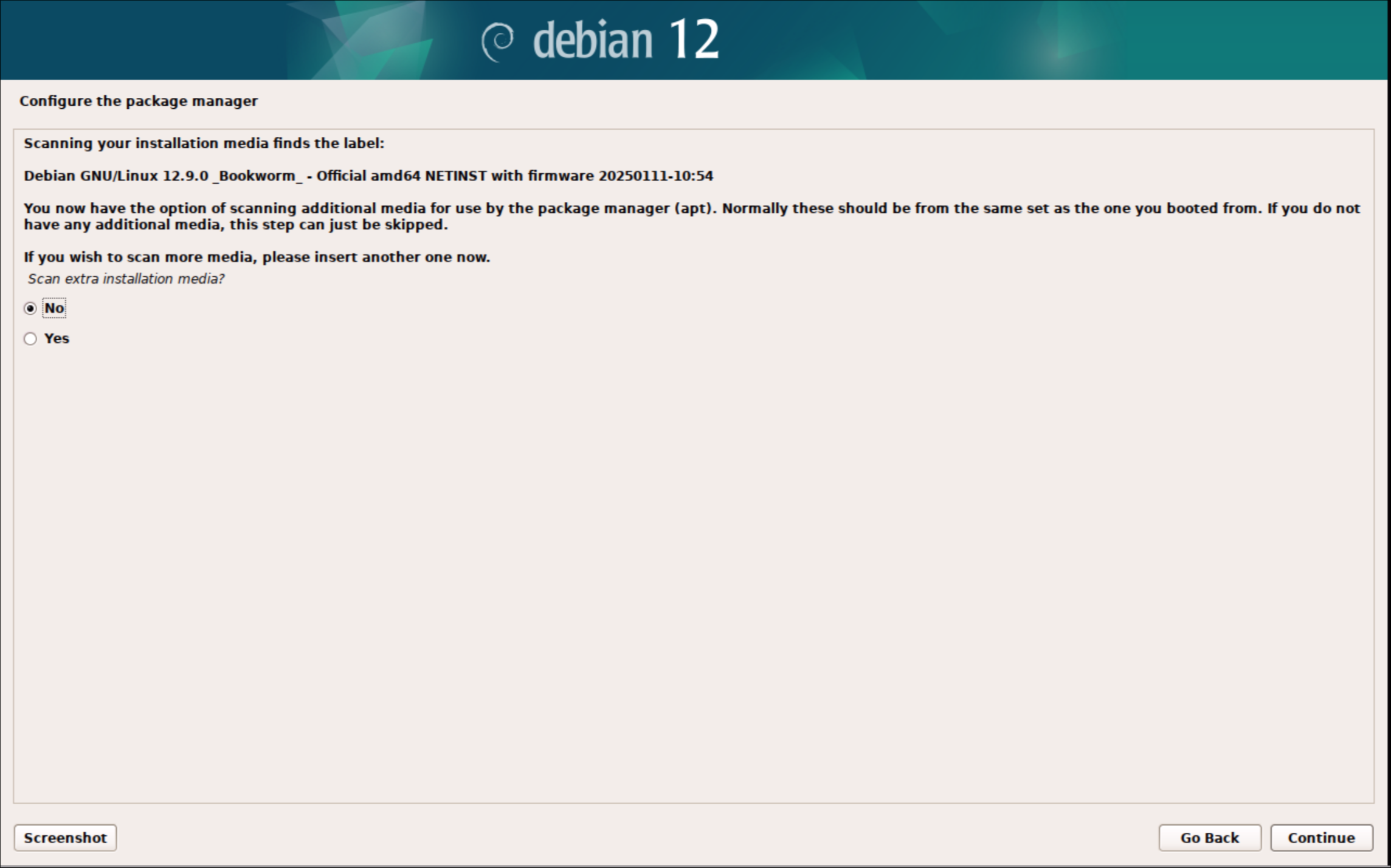
16. Do not scan for additional media
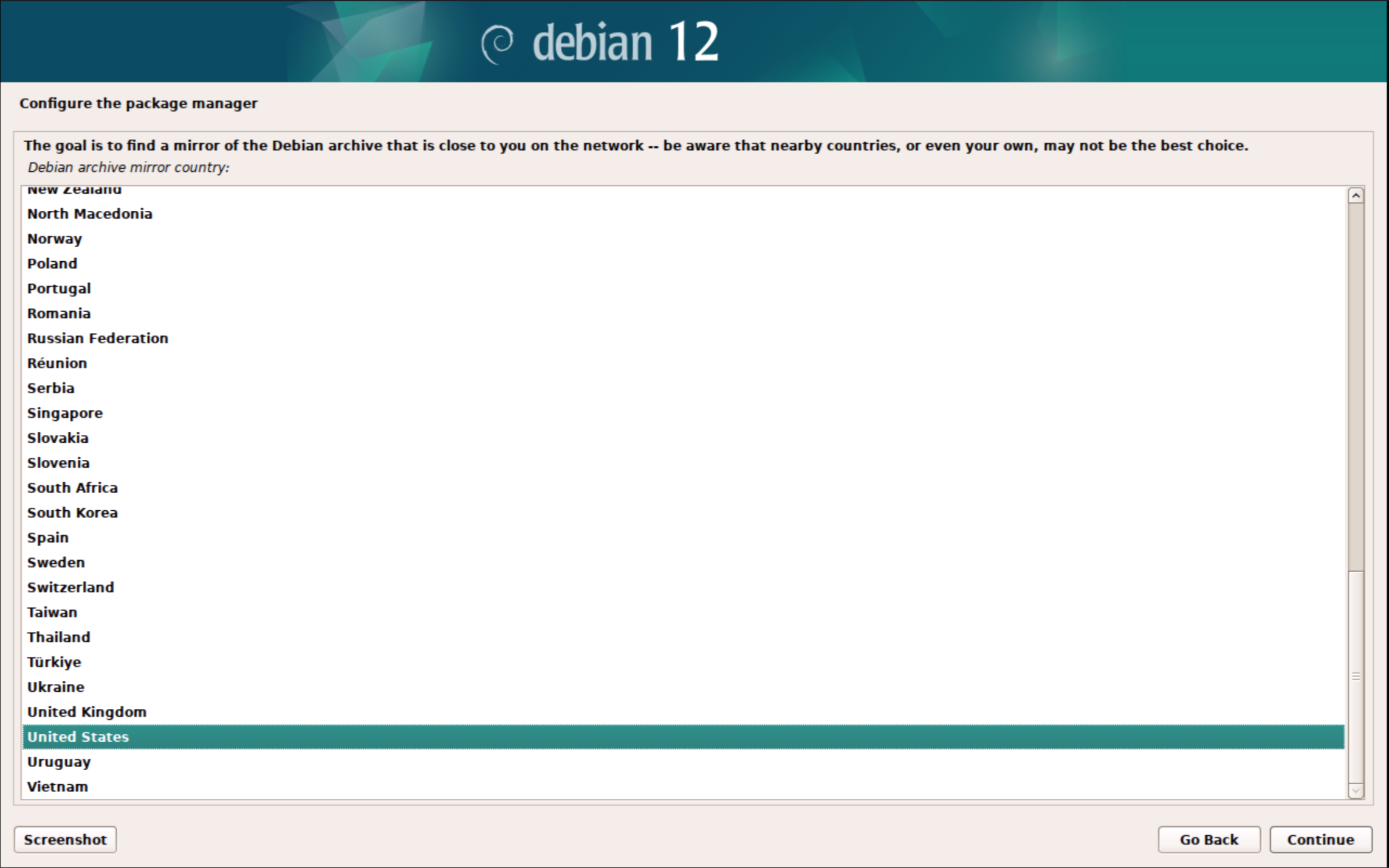
17. Choose United States
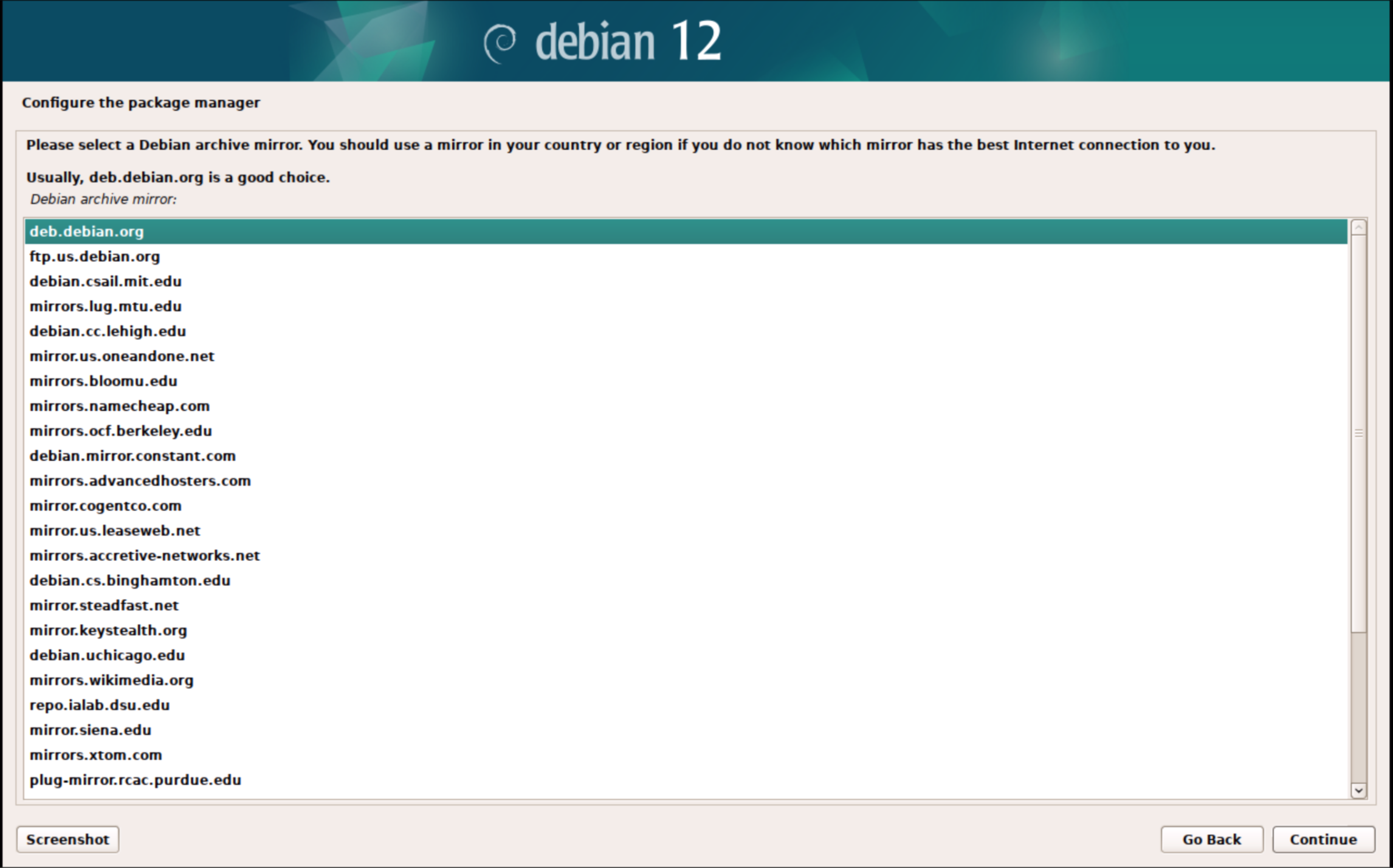
18. Choose deb.debian.org
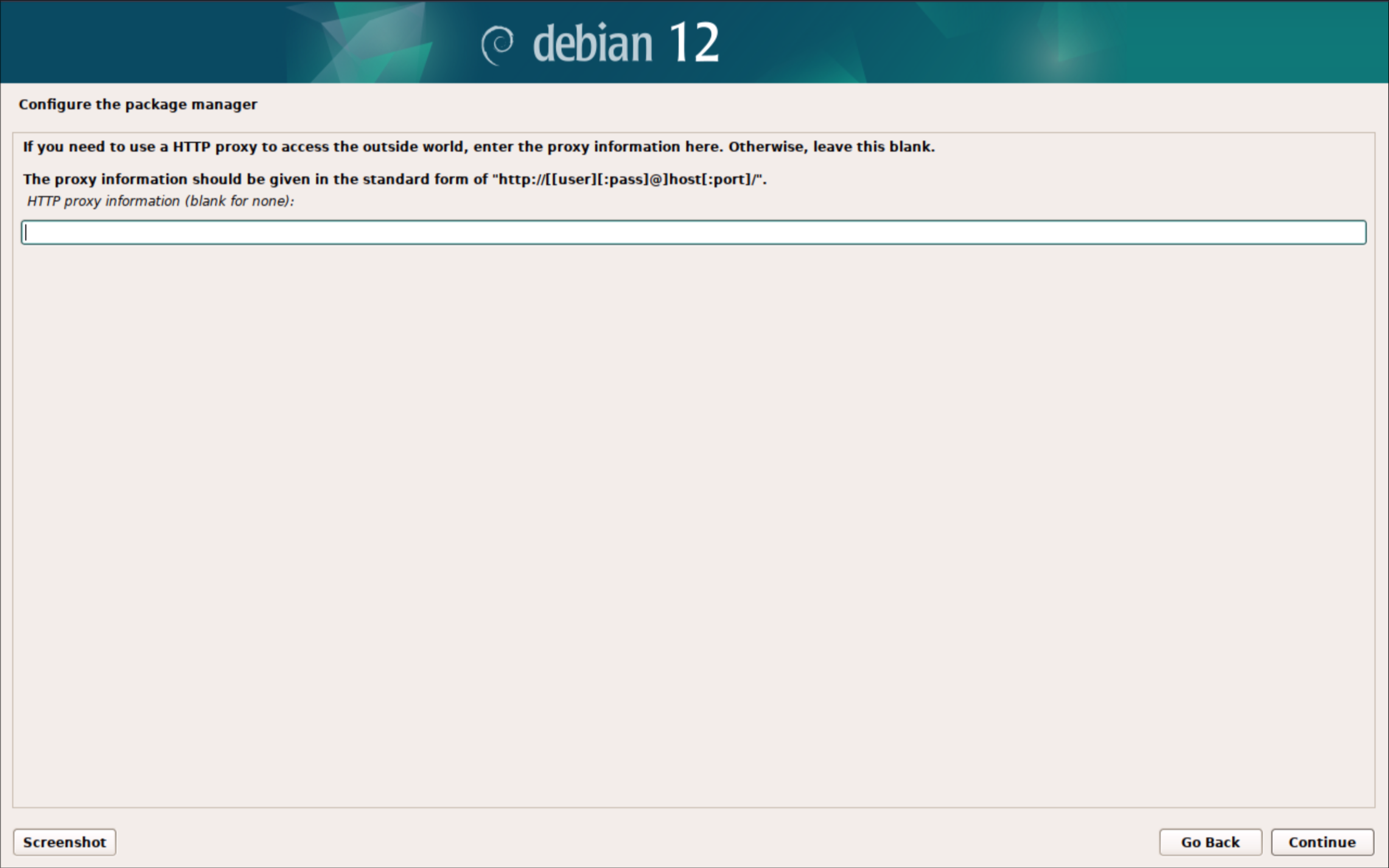
19. No proxy is needed leave it blank and click continue
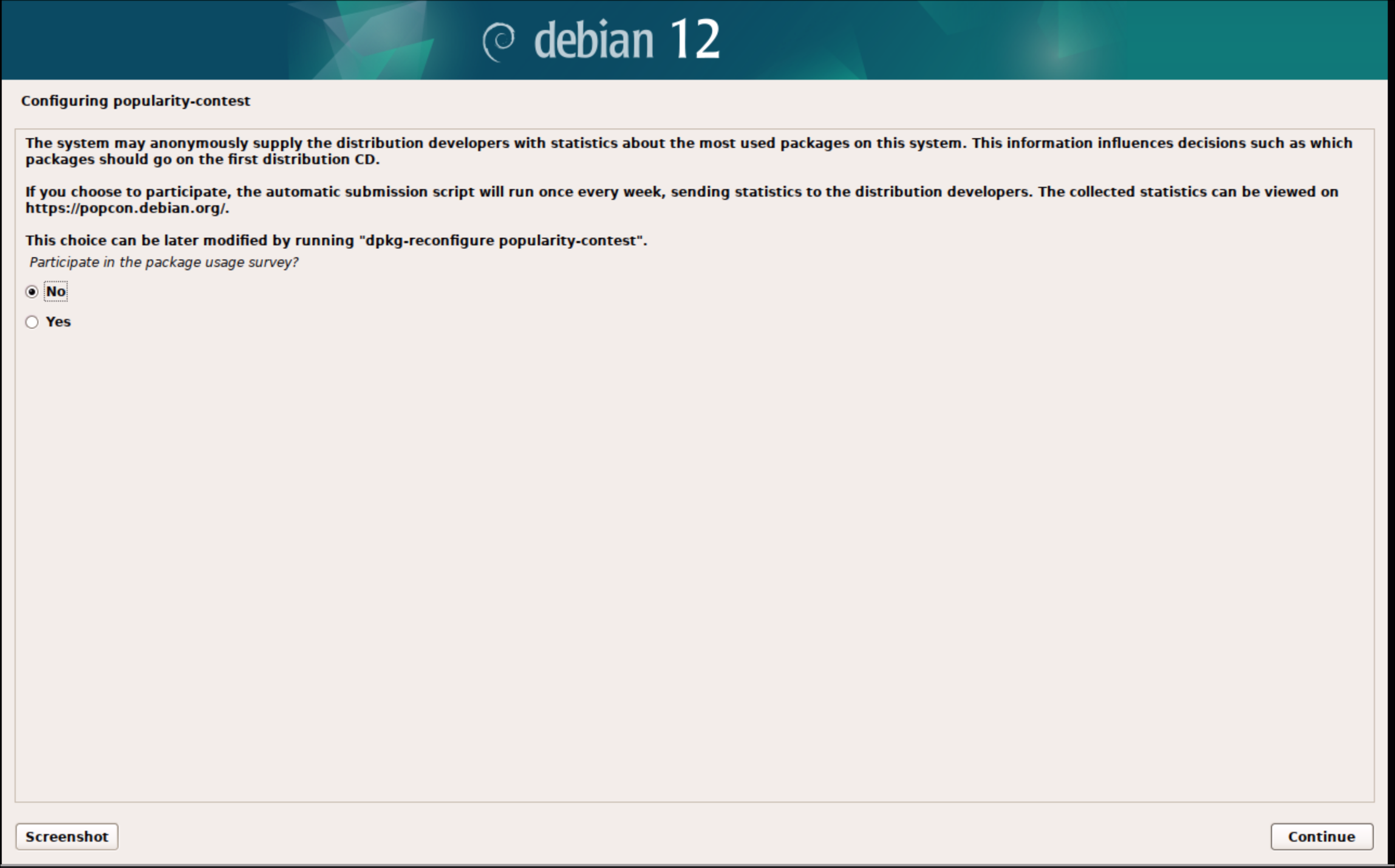
20. Choose No and continue
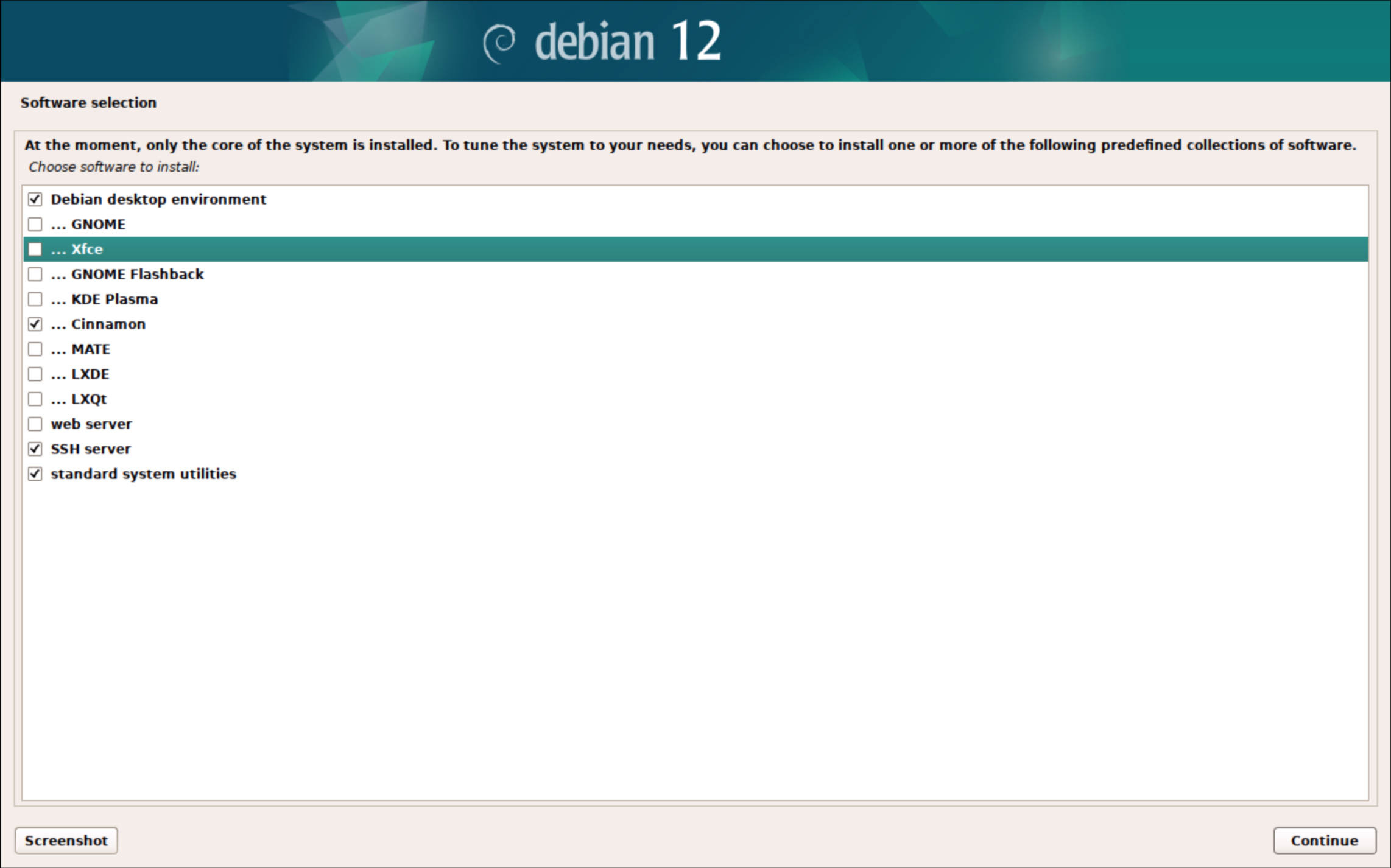
21. Make sure that the following are selected:
-
Debian desktop environment
-
Cinnamon
-
SSH server
-
standard system utilities